How Automated Wishlist Alerts Keep Shopify Customers Engaged
A shopper finds a product they like, adds it to their wishlist, and leaves the store. They may plan to come back later, wait for a better price, or simply need more time before making a purchase.
The challenge for Shopify merchants is that customers often forget about the products they saved. By the time they are ready to buy, they may have moved on to another store or simply lost track of what they wanted.
Automated wishlist alerts help keep that connection alive.
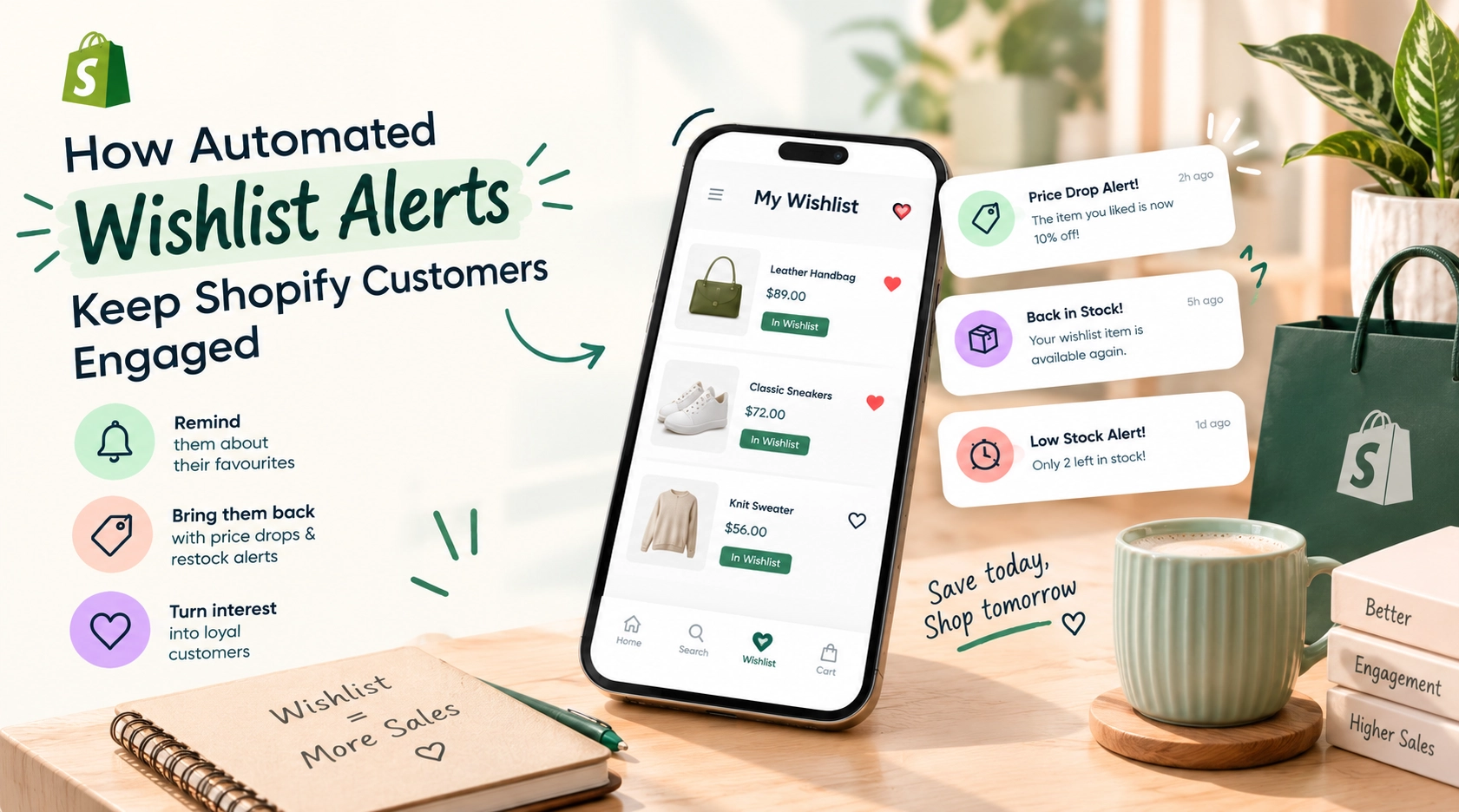
When a saved product drops in price, comes back in stock, or is running low, an automated alert can bring the product back to the customer’s attention. Instead of sending a broad promotional message, the store reaches out with information related to something the shopper has already shown interest in.
This makes wishlist alerts useful for more than saving products. They can become a practical way to re-engage shoppers, encourage return visits, and support customer retention on Shopify.
What Are Automated Wishlist Alerts?
Automated wishlist alerts are notifications sent to shoppers when something important happens to a product they have saved.
The same approach can be used when:
- A saved product comes back in stock
- Inventory becomes limited
- A customer has saved products but has not returned for some time
- A merchant wants to remind shoppers about products they previously selected
The idea is straightforward: give customers a useful reason to return to products they already care about.
Why Wishlists Matter for Shopify Stores
Wishlists do more than allow shoppers to bookmark products.
They give customers a place to collect products they may want to purchase later. This is particularly useful for shoppers who are comparing products, waiting for payday, looking for a discount, or simply not ready to make a decision.
For merchants, those saved products can also provide useful signals about customer interest.
Suppose 500 visitors view a product, but 80 of them add it to their wishlist. That tells you something different from views alone. The shoppers may not have purchased yet, but they have shown a stronger level of interest.
When automated alerts are connected to those wishlists, merchants have another way to bring those shoppers back.
How Automated Alerts Bring Customers Back
1. Price-Drop Alerts Give Shoppers a Reason to Return
Price is one of the biggest reasons shoppers delay a purchase.
A customer may like a product but decide that the current price is too high. If they have saved it to their wishlist, a price-drop alert gives them a reason to reconsider.
2. Back-in-Stock Alerts Recover Lost Interest
Out-of-stock products can create a frustrating experience.
A shopper finds exactly what they want, adds it to their wishlist, and later discovers that it is unavailable. They may leave and never remember to check again.
A back-in-stock alert closes that gap.
When the product becomes available, the customer can receive a notification and return directly to the product page.
This is especially useful for products that regularly sell out, such as popular clothing, beauty products, accessories, collectibles, and limited-stock items.
3. Low-Stock Alerts Can Create Urgency
Sometimes a shopper is interested but keeps postponing the purchase.
A low-stock alert can provide a useful nudge when inventory is getting limited.
For example:
“The item you saved is almost out of stock.”
The message is based on something the customer already showed interest in. It does not need to be a broad sales pitch.
Used carefully, this type of alert can help shoppers make a decision before the product becomes unavailable.
4. Wishlist Reminders Bring Forgotten Products Back
People forget.
A customer might save five products to a wishlist and then become distracted by work, travel, social media, or another purchase.
A gentle wishlist reminder can bring those products back to their attention.
Instead of sending a completely unrelated promotional email, the store can remind the customer about products they personally selected.
That makes the interaction more useful and relevant.
Automated Alerts Feel More Personal
One reason automated wishlist alerts can work well is that they are connected to customer behavior.
Compare these two messages:
Generic message:
“Check out our latest products and offers.”
Wishlist-based message:
“The product you saved is back in stock.”
The second message has a clear connection to the customer’s previous action.
That does not mean every shopper should receive constant notifications. In fact, sending too many alerts can have the opposite effect and cause customers to ignore future messages.
The goal should be relevance, not volume.
Wishlist Alerts Can Support Customer Retention
Getting a customer to visit your Shopify store once is only part of the challenge.
The bigger opportunity is giving them a reason to come back.
Wishlists can support this by creating an ongoing connection between shoppers and products they care about.
A customer may:
- Discover a product
- Add it to their wishlist
- Leave the store
- Receive an alert later
- Return to the store
- Complete the purchase
Without the alert, step five may never happen.
This is why wishlist functionality can be useful as part of a broader customer retention strategy.
Automated Wishlist Alerts vs. Regular Promotional Messages
Regular marketing campaigns have an important role in ecommerce, but they are not always relevant to every shopper.
A promotional campaign may advertise:
- A seasonal sale
- New arrivals
- A storewide discount
- A holiday campaign
- A category promotion
Wishlist alerts work differently because they are triggered by an individual’s saved products or related events.
| Regular Promotional Messages | Automated Wishlist Alerts |
|---|---|
| Usually sent to a broader audience | Based on individual shopper activity |
| Promote campaigns or offers | Focus on saved products |
| May introduce new products | Reconnect shoppers with products they already like |
| Often scheduled by the merchant | Can be triggered automatically |
| Useful for general marketing | Useful for targeted re-engagement |
The two approaches do not need to compete with each other. A Shopify store can use both as part of its overall marketing strategy.
What Types of Alerts Should a Shopify Store Offer?
There is no single alert that works for every store. The right options depend on the products, inventory model, and customer buying cycle.
Some of the most useful options include:
Price-Drop Alerts
Useful when customers are likely to wait for discounts before purchasing.
Back-in-Stock Alerts
Helpful for stores selling products that frequently go out of stock.
Low-Stock Alerts
Useful when limited inventory can influence purchase decisions.
Wishlist Reminders
Helpful for bringing customers back to products they saved but have not purchased.
WhatsApp Alerts
For stores where customers actively use WhatsApp, notifications through the platform can provide another way to reconnect with shoppers.
The important thing is to give customers useful notifications without overwhelming them.
How eWeb – Wishlist & Alerts Helps Shopify Stores Re-Engage Customers
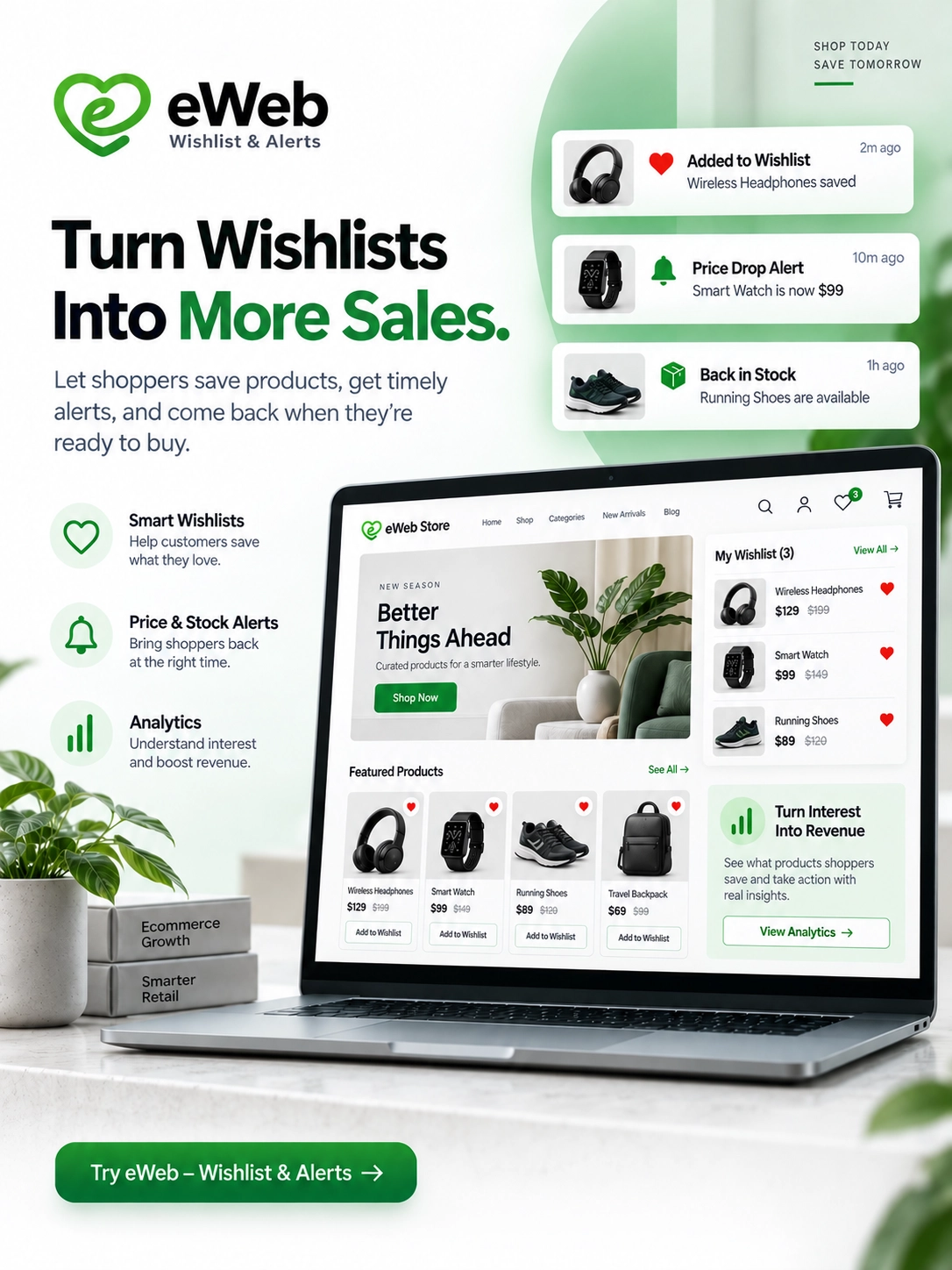
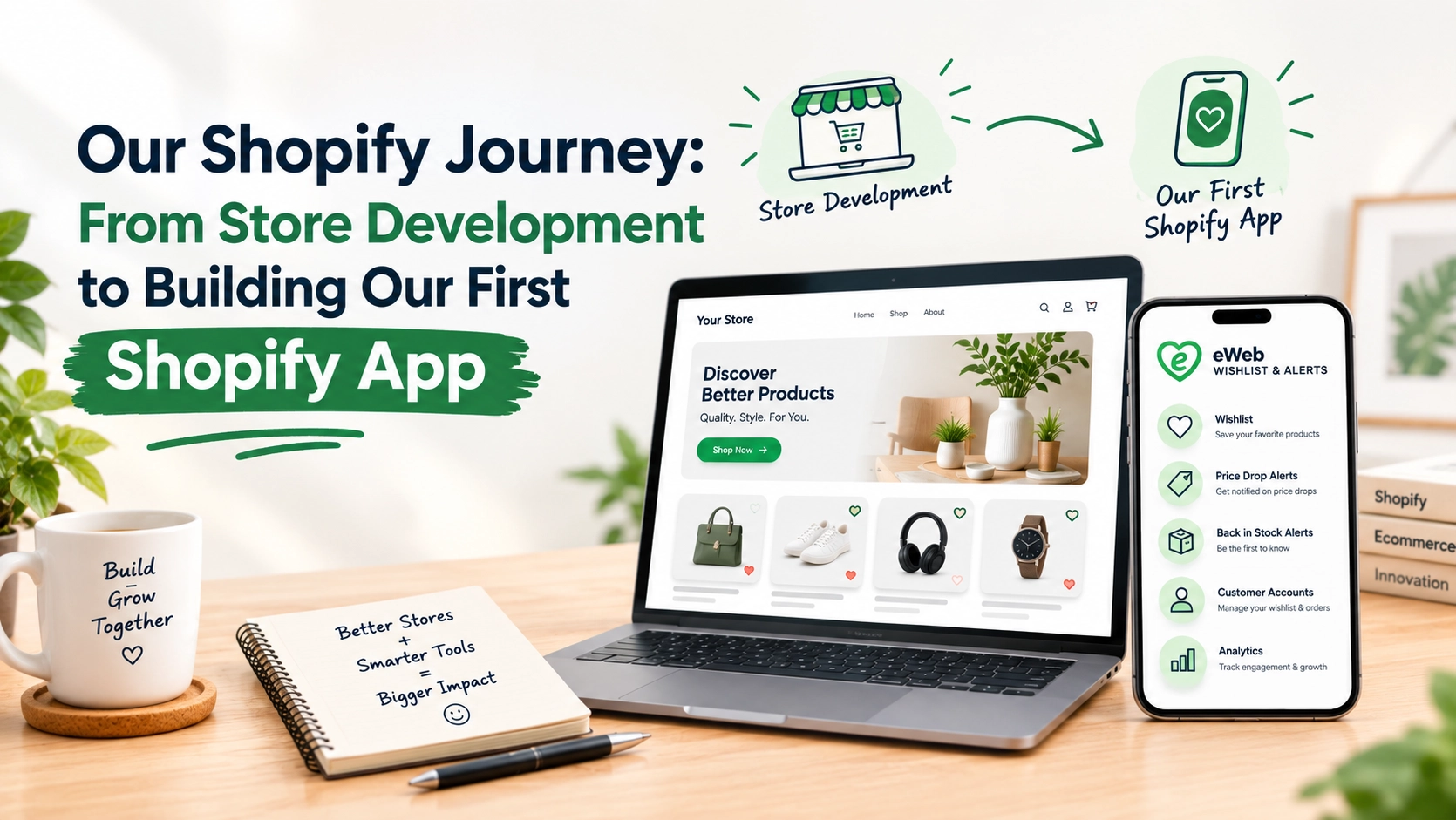
For Shopify merchants who want to combine wishlist functionality with automated alerts, eWeb – Wishlist & Alerts provides a simple way to keep shoppers connected with products they have saved.
The app allows customers to create wishlists while giving merchants the option to send relevant alerts when something changes. These include price-drop alerts, back-in-stock notifications, low-stock alerts, and wishlist reminders.
For example, a shopper may save a product and leave the store without purchasing. If the price later drops or the product comes back in stock, eWeb – Wishlist & Alerts can help bring that product back to the shopper’s attention.
The app also includes wishlist analytics, helping merchants understand which products customers are saving and where there is strong buying interest. Additional features such as wishlist sharing, guest wishlists, customizable wishlist buttons, and WhatsApp alerts can make the wishlist experience more useful for both shoppers and store owners.
Key features include:
- Unlimited customer wishlists
- Guest and customer wishlists
- Price-drop alerts
- Back-in-stock alerts
- Low-stock notifications
- Wishlist reminders
- WhatsApp alerts
- Wishlist analytics
- Wishlist sharing
- Customizable wishlist buttons and icons
- Marketing and automation integrations
The idea is simple: help Shopify stores turn saved products into opportunities for meaningful customer re-engagement. Instead of relying on shoppers to remember to return, merchants can reconnect with them when there is a relevant update about something they already wanted.
Make Wishlist Alerts Part of the Customer Journey
Wishlist alerts work best when they are not treated as a separate feature.
Think about where the wishlist fits into the entire shopping journey.
A shopper discovers a product and saves it.
Later, something changes: the price drops, inventory returns, or stock becomes limited.
The store then has a relevant reason to contact the shopper.
This creates a simple cycle:
Discover → Save → Wait → Get Alert → Return → Purchase
That cycle can be particularly valuable for products that require more consideration before purchase.
How Shopify Merchants Can Get More From Wishlist Alerts
Simply enabling alerts is not enough. The experience around them also matters.
Keep Notifications Relevant
Only send alerts that provide genuine value. A customer who receives too many notifications may eventually ignore all of them.
Use Clear Messages
Customers should immediately understand what changed.
For example, “Your saved product is back in stock” is clearer than a vague promotional subject line.
Give Customers Control
Allow shoppers to choose the types of notifications they want to receive where possible.
Make Returning Easy
The notification should take the customer directly to the relevant product or wishlist rather than making them search for it again.
Track What Customers Save
Wishlist analytics can help merchants identify products that receive strong interest even when purchases are lower.
These insights can support decisions around promotions, inventory, merchandising, and product planning.
Final Thoughts
Shopify customers do not always purchase during their first visit. Some need time to compare products, wait for a better price, or simply come back later.
Automated wishlist alerts help stores stay connected during that gap.
When used thoughtfully, price-drop alerts, back-in-stock notifications, low-stock alerts, and wishlist reminders can make the shopping experience more useful while giving merchants additional opportunities to re-engage interested customers.
The key is not to send more notifications just for the sake of engagement. It is to send the right message at the right time, based on something the customer actually cares about.
For Shopify stores looking to improve customer engagement and bring more shoppers back, wishlist alerts can be a simple but effective part of the retention strategy.
People Also Ask
1. What are automated wishlist alerts on Shopify?
Automated wishlist alerts notify customers when there is an important update to a product they have saved, such as a price drop, restock, low inventory, or wishlist reminder.
2. How do wishlist alerts help Shopify stores increase customer engagement?
They give shoppers a relevant reason to return to the store. Since the notification is connected to a product the customer has already saved, it can feel more useful and personalized than a general promotional message.
3. What types of automated wishlist alerts can Shopify stores send?
Common alerts include price-drop alerts, back-in-stock notifications, low-stock alerts, and wishlist reminders. Some wishlist apps also support notifications through channels such as WhatsApp.
4. Can wishlist alerts help increase sales?
Yes. Wishlist alerts can bring interested shoppers back when there is a meaningful reason to purchase. A price reduction, product restock, or limited availability may encourage a customer who previously postponed their purchase to return.
5. Are wishlist alerts useful for customer retention?
Yes. They help maintain a connection with shoppers after they leave your store. By reminding customers about products they have already shown interest in, wishlist alerts can support repeat visits and long-term engagement.
6. How can Shopify merchants use wishlist alerts effectively?
Merchants should focus on relevant and timely notifications rather than sending too many messages. Clear alerts, customer notification preferences, and direct links to saved products can create a better experience and make re-engagement more effective.

About The Author
Akshita Dubey is an SEO Executive at eWebWorld with expertise in search intent analysis and content optimization. She focuses on creating user-centric content that simplifies complex technology topics, helping businesses and decision-makers understand web development, mobile apps, and digital solutions through clear, research-based insights.
Search
Popular Posts
Follow us

Recent Posts
About eWebWorld
eWebWorld is a Shopify and eCommerce development company in India with 10+ years of experience building and scaling online stores. We specialize in Shopify development, including store setup, customizations, theme development, migrations, integrations, and performance optimization. Through our expertise in eCommerce, technology, and digital marketing, we help businesses create better online experiences and achieve sustainable growth.