
10 Shopify Marketing Strategies to Boost Diwali Sales in India
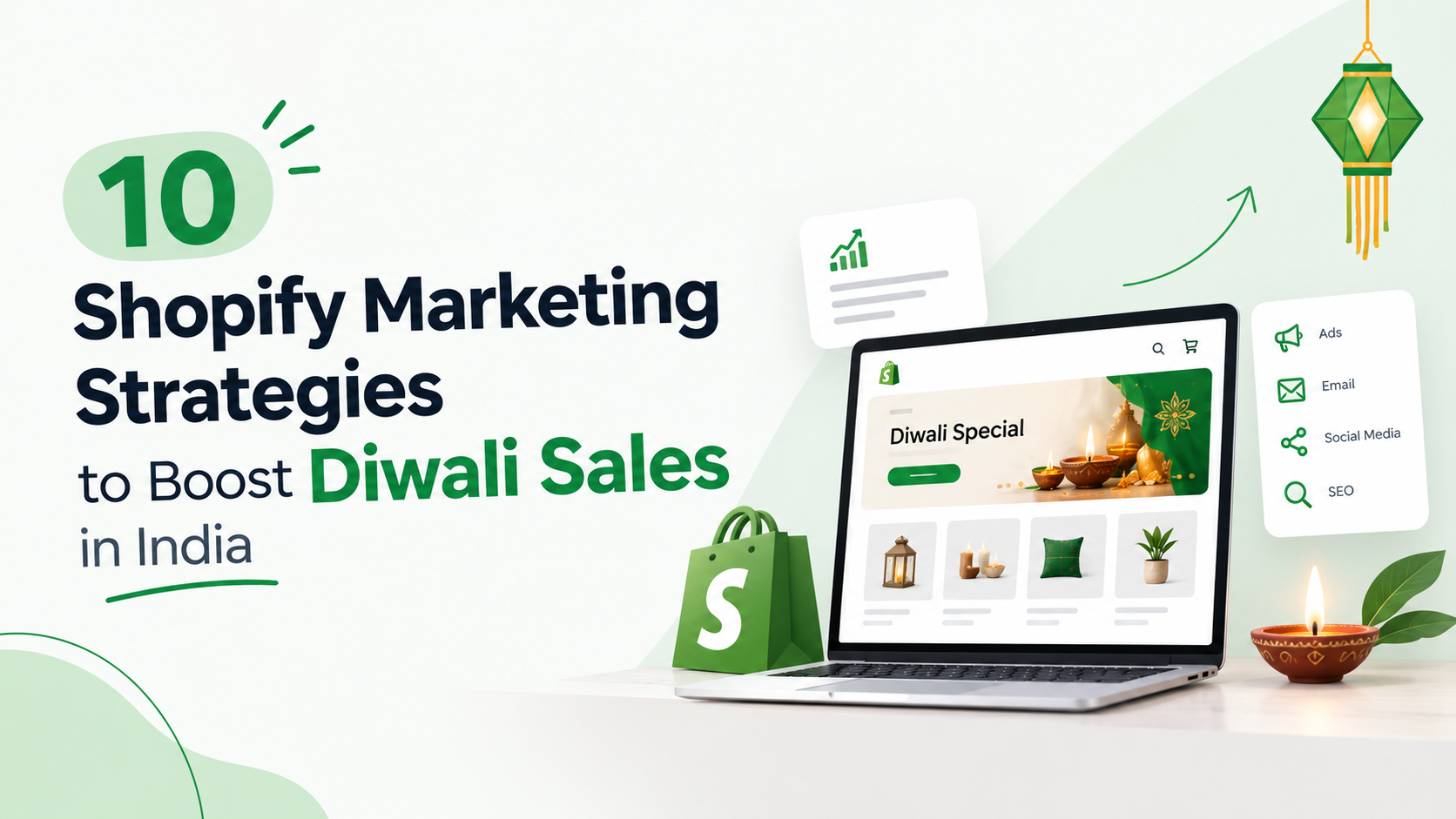
Diwali is one of the biggest shopping occasions in India. From festive outfits and jewellery to home décor, beauty products, electronics, and gift hampers, customers look for products that make their celebrations special. For Shopify merchants, this creates an opportunity to attract new customers, increase order values, and build relationships that last beyond the festive season.
But simply launching a Diwali sale does not guarantee better results. Customers have plenty of brands to choose from, and a discount alone may not convince them to buy. They also want products that suit their needs, a smooth shopping experience, reliable delivery, and clear information before placing an order. So, how can Shopify merchants make their stores more appealing during the festive season?
The answer lies in combining the right offers with better product discovery, personalised marketing, a seamless shopping experience, and consistent customer engagement. In this guide, we explore 10 practical Shopify marketing strategies to help Indian merchants improve their Diwali campaigns in 2026.
Why Is Diwali an Important Sales Opportunity for Shopify Stores?
- Reach shoppers actively looking for festive products and gifts.
- Promote seasonal collections and special offers.
- Increase average order value through relevant bundles.
- Bring back customers who leave without purchasing.
- Build relationships that support future sales.
1. Create a Dedicated Diwali Landing Page
When customers arrive at your Shopify store during Diwali, they should immediately understand what you are offering and where to find it. Instead of directing every festive campaign to your homepage, create a dedicated Diwali landing page featuring relevant products, offers, gift collections, and seasonal recommendations. For example, a fashion store could showcase ethnic wear, festive accessories, and occasion-based outfits. A home décor store could highlight decorative lights, diyas, tableware, and gift sets. Your landing page should include:
- A clear headline, such as “Celebrate Diwali with Something Special.”
- Featured products and festive collections.
- Clearly explained discounts or bundle offers.
- Product prices and availability.
- Delivery estimates and return information.
- Prominent calls to action, such as “Shop Diwali Collection.”
Make the page easy to navigate on mobile devices, especially for customers arriving from Instagram, WhatsApp, or paid advertisements.
Practical tip: Link your Diwali landing page from your homepage banner, navigation menu, email campaigns, and social media posts. This creates a consistent path from promotion to purchase.
If your store needs a more tailored festive shopping experience, explore Shopify development services to understand how store design and functionality can support your business goals.
2. Offer Meaningful Discounts and Festive Product Bundles
Discounts can attract attention during Diwali, but reducing every product’s price is not always the best approach. Heavy discounts can reduce profit margins without necessarily generating enough additional sales. Instead, create offers around what customers actually want to purchase. Consider these ideas:
- Festive bundles: Combine complementary products, such as an outfit with accessories or candles with home décor items.
- Gift sets: Create ready-to-buy hampers for family, friends, colleagues, or corporate gifting.
- Minimum-order offers: Provide an incentive when customers spend above a suitable order value.
- Limited-period deals: Promote selected products for a clearly defined period.
- Category-specific discounts: Offer deals on selected collections instead of discounting your entire catalogue.
For example, a skincare store could create a Diwali gift set containing a cleanser, moisturiser, and serum. Customers get a convenient gifting option, while the merchant has an opportunity to increase order value. Keep your offer simple. Explain which products qualify, how the offer works, and when it ends. Use countdown timers or scarcity messages only when they reflect a genuine deadline or actual stock limitations.
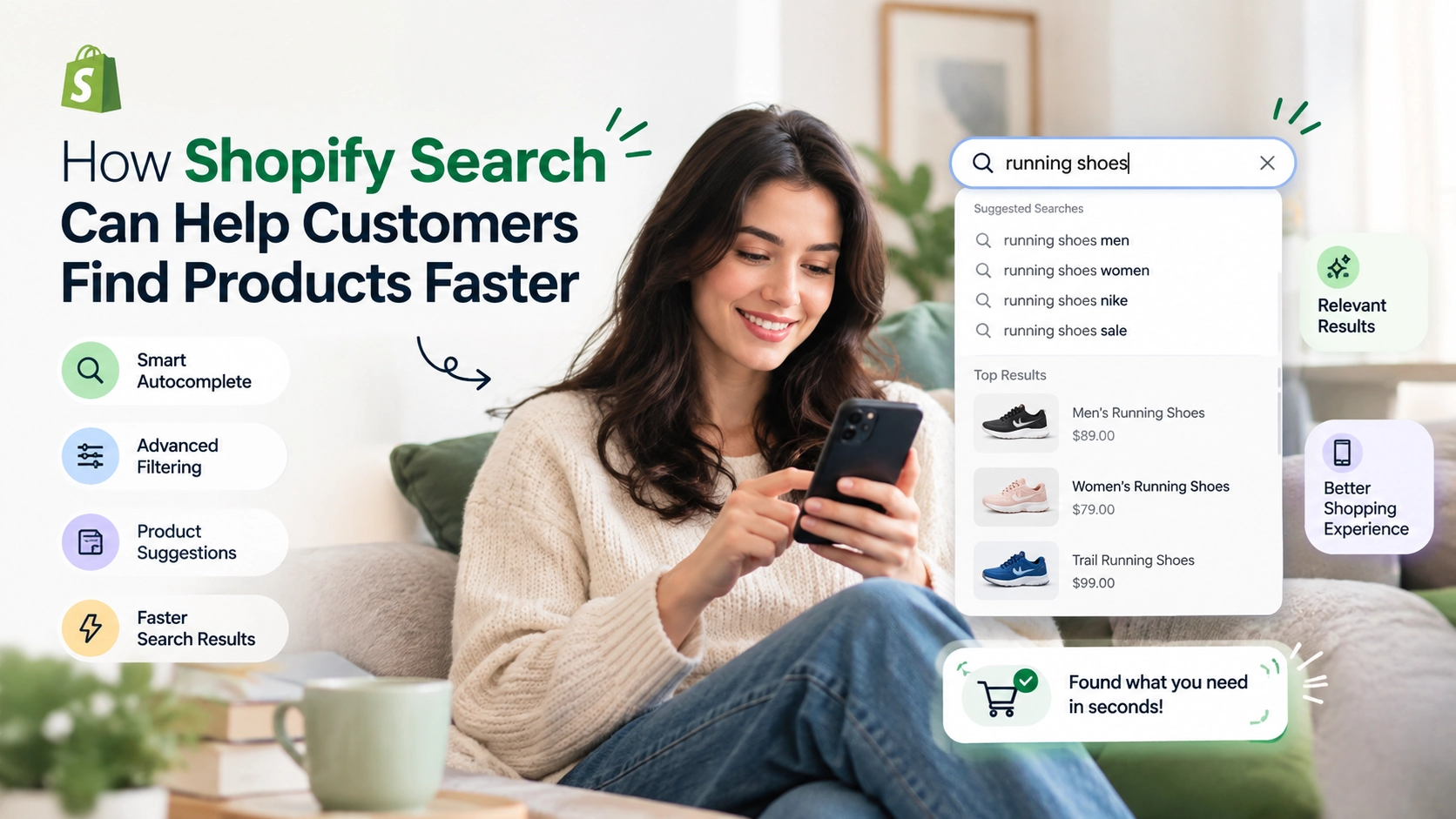
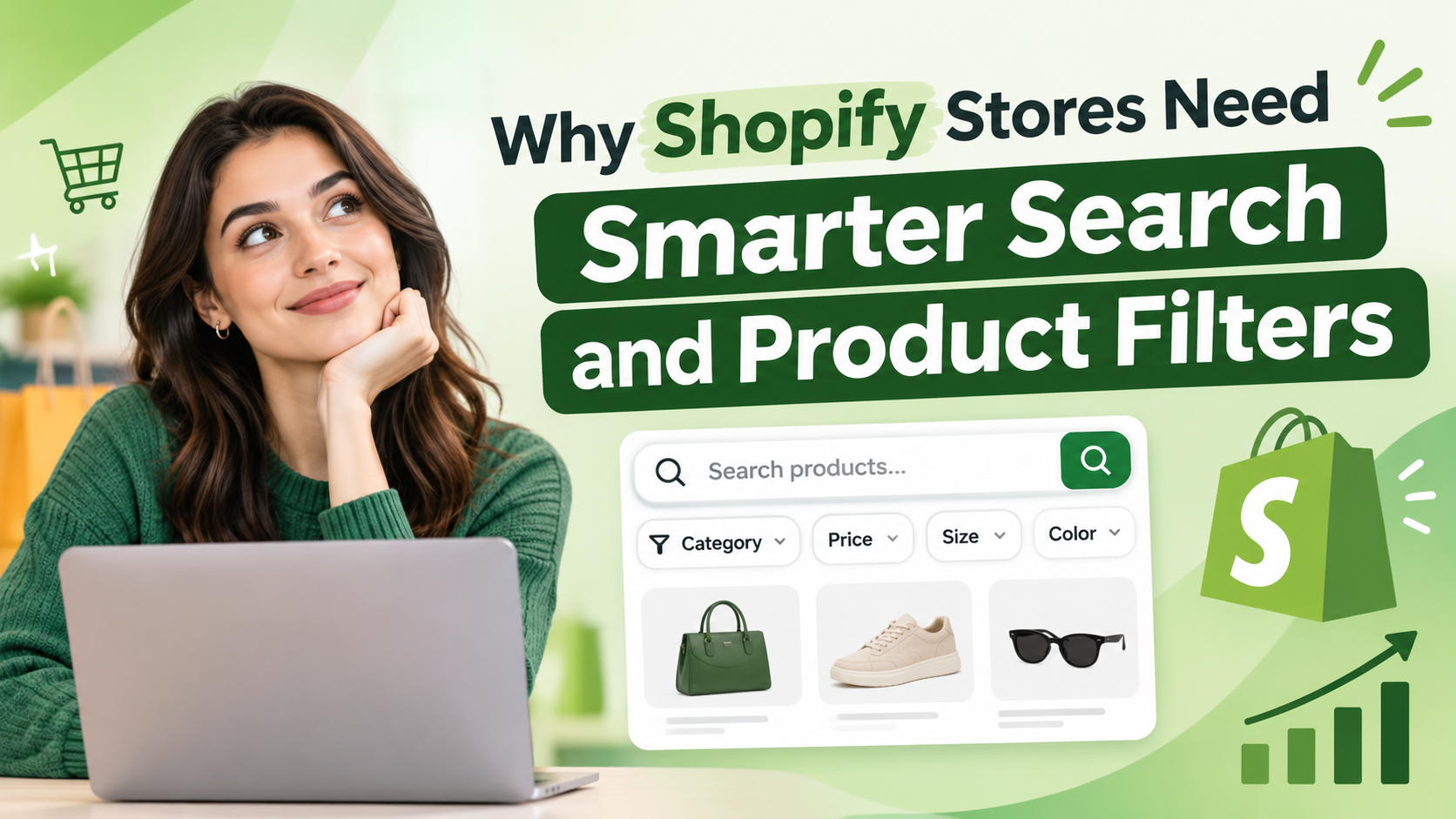
3. Improve Product Discovery With Search and Filters
Imagine a customer visiting your store to find a festive outfit within a particular budget. If they have to scroll through hundreds of products to find the right size, colour, or style, they may leave before making a purchase. This is why product discovery deserves attention during festive sales. Make it easier for shoppers to narrow down their choices with:
- Relevant search suggestions.
- Filters for price, size, colour, brand, and availability where applicable.
- Organised collections such as “Diwali Gifts,” “Festive Wear,” and “Home Décor.”
- Descriptive product titles and useful product information.
- Sorting options such as price and popularity.
Shopify merchants with larger catalogues can consider a dedicated Shopify search and filter app to improve how customers explore their products.
For example, eWeb Search & Filter helps Shopify merchants provide search and filtering functionality so shoppers can narrow their choices and find relevant products more easily. The objective is straightforward: reduce the effort customers need to find what they want. Monitor popular search terms, filter usage, product-page visits, and conversion rates to identify opportunities for improvement.
4. Use Wishlists to Bring Interested Shoppers Back
Not every visitor is ready to purchase on their first visit. Some customers compare prices, discuss gift ideas with family, wait for payday, or simply want more time to decide. A wishlist gives these shoppers a convenient way to save products for later. During Diwali, this can be particularly useful for customers comparing outfits, jewellery, electronics, home décor, or gifts. To make wishlists more effective:
- Add a visible wishlist button to relevant product pages.
- Make it easy for shoppers to save and revisit products.
- Enable wishlist sharing where supported.
- Offer relevant reminders or availability alerts where appropriate and permitted.
- Review wishlist activity to understand which products attract interest.
For example, a customer saves a festive saree but does not purchase it immediately. Later, they revisit their wishlist and decide to complete the order.
Shopify merchants can explore eWeb Wishlist & Alerts, which supports wishlist engagement and customer notifications, including relevant WhatsApp alerts on supported plans. A wishlist does not guarantee a sale, but it gives interested shoppers a convenient reason to return rather than search for the same products again.
5. Plan Email and WhatsApp Campaigns Around Customer Behaviour
Email and WhatsApp can help you communicate with shoppers before, during, and after Diwali. The key is to send useful messages instead of repeatedly announcing that your sale is live. Start by grouping your audience into relevant segments, such as previous customers, new subscribers, shoppers who viewed products, and customers who saved items. Then tailor your communication to their interests.
| Campaign | What to communicate |
|---|---|
| Festive announcement | Introduce your Diwali collection and upcoming offers. |
| Product recommendations | Highlight products related to customer interests or previous purchases. |
| Cart reminder | Help eligible shoppers return to items left in their carts. |
| Wishlist reminder | Remind customers about products they saved, where appropriate. |
| Back-in-stock alert | Notify interested customers when a product becomes available again. |
| Post-purchase message | Share order updates, care instructions, or complementary products. |
For example, a home décor store could send one customer a curated collection of festive lighting and another a selection of gift hampers instead of sending everyone the same promotion. You can also explore relevant back-in-stock alert strategies for Shopify to understand how product availability notifications can bring interested shoppers back. Personalisation should be based on relevant customer data, and messages should follow applicable consent, privacy, and messaging requirements. Before launching a campaign, test your links, discount codes, automation triggers, and message timing.
6. Use Instagram Reels, Influencers, and Customer Content
Customers often look for product inspiration before making a purchase. Short videos, creator recommendations, and genuine customer experiences can help them understand how a product looks, works, or fits into their celebrations. Instead of relying entirely on promotional graphics, create content that shows your products in real situations. Here are some ideas:
- Festive styling videos: Show different ways to style an outfit or accessory.
- Gift guides: Recommend products for different budgets and recipients.
- Before-and-after videos: Demonstrate how décor or lighting transforms a space.
- Product demonstrations: Explain features, materials, dimensions, or usage.
- Behind-the-scenes content: Show how your team prepares festive orders.
- Customer reviews: Share genuine feedback and customer-submitted photos with permission.
You can also collaborate with creators whose audiences match your products. A smaller creator with an engaged, relevant audience may be more suitable than a larger influencer whose followers are unlikely to buy. Where possible, link your content directly to the relevant product or collection page. Track link clicks, product views, add-to-cart activity, and purchases to understand which content contributes to sales. Views and likes can indicate interest, but they should not be your only success measures.
7. Optimise Your Shopify Store for Mobile Shopping
A customer may discover your Diwali collection through an Instagram Reel, click the link on their phone, browse a few products, and decide whether to purchase within minutes. If your website loads slowly, product images are difficult to view, or checkout feels complicated, that customer may leave before completing the order. Before launching your festive campaign, review your store on a real mobile device. Check whether:
- Product pages load quickly and display images correctly.
- Text is readable without excessive zooming.
- Product variants, sizes, and colours are easy to select.
- Add-to-cart buttons are easy to find.
- Shipping costs and delivery estimates are clear.
- Available payment methods work correctly.
- Discount codes can be applied without confusion.
- Checkout is easy to complete.
Avoid adding too many heavy animations, pop-ups, or promotional elements that interrupt shopping. You can also use Google PageSpeed Insights to review your store’s performance on mobile and desktop. Prioritise issues that affect actual customer experience rather than focusing only on a single performance score. A well-designed mobile store should help customers make decisions, not make them work harder to place an order.
8. Run Targeted Ads and Retarget Interested Shoppers
Paid advertising can help your Diwali offers reach shoppers who are interested in products like yours. However, spending more on advertising does not automatically lead to more sales. Start by identifying the products, collections, and audiences most likely to respond to your campaign. You can use different advertising approaches at different stages of the customer journey.
Reach new customers: Run campaigns featuring your best-selling products, gift collections, or festive bundles.
Reconnect with interested visitors: Where tracking permissions and platform rules allow, retarget people who visited product pages or engaged with your content.
Recover abandoned carts: Show relevant reminders to eligible shoppers who added products to their carts but did not complete checkout.
Promote proven products: Allocate more budget to products and campaigns that generate profitable conversions.
9. Build Trust With Clear Delivery, Returns, and Product Information
During Diwali, customers often purchase gifts that need to arrive before a particular date. They may also be buying from your brand for the first time. If delivery information is unclear, product details are incomplete, or return conditions are difficult to find, customers may hesitate to place an order. Make the information they need easy to access. Your store should clearly explain:
- Estimated delivery timelines and shipping charges.
- Whether delivery is available to the customer’s location.
- Return, exchange, and refund conditions.
- Product dimensions, materials, sizes, and specifications.
- Available stock and product variants.
- Payment options and customer support details.
If you offer festive gift packaging, make it visible as a purchase option. If certain products cannot be returned, explain the relevant policy before checkout. You can also display genuine customer reviews and product photos where available. These help shoppers understand what previous customers experienced, especially when they cannot inspect products in person. Avoid promising guaranteed delivery dates unless your fulfilment operations can support them. Accurate information builds more trust than an ambitious promise you cannot keep.
10. Turn Diwali Buyers Into Repeat Customers
Your marketing should not stop once Diwali ends. Customers who purchase during the festive season can become valuable long-term buyers when you give them relevant reasons to return. Start by reviewing what customers purchased, which products performed well, and which campaigns generated profitable orders. Then plan useful follow-up communication.
- Send a thank-you message after an order is delivered.
- Request an honest product review at an appropriate time.
- Recommend complementary products based on the customer’s purchase.
- Share early access to future collections with eligible subscribers.
- Offer a relevant incentive for a second purchase when the economics make sense.
- Use loyalty rewards or referral programmes if they suit your business.
For example, a customer who purchases a festive outfit may be interested in matching accessories or new arrivals. A customer who buys home décor may respond to a later seasonal collection. Relevant recommendations are generally more useful than sending every customer the same discount offer.
You can also learn from real-world examples, such as the Gishaq Parfums case study, which explores customer engagement through eWeb Wishlist & Alerts.
Use customer data responsibly and avoid excessive messaging. Track repeat purchase rate, returning customer revenue, and customer lifetime value over time to understand whether your festive campaign is creating lasting value.
Final Thoughts
Diwali offers Shopify merchants in India an opportunity to reach new shoppers, showcase seasonal products, and build stronger customer relationships. But the stores that benefit most are not necessarily those offering the biggest discounts. They are the ones that make shopping convenient, communicate clearly, and give customers good reasons to purchase.
Start with a well-organised Diwali landing page, relevant offers, and a smooth mobile experience. Make product discovery easier, give interested shoppers a way to save products for later, and use email, WhatsApp, social content, and targeted advertising thoughtfully. Once the festival is over, continue engaging customers with relevant recommendations and useful follow-ups.
You do not need to implement all ten strategies at once. Choose the ones that address your store’s biggest challenges, measure the results, and build on what works.
This Diwali, focus on more than attracting visitors. Create a shopping experience that helps customers find the right products, feel confident about their purchases, and return to your store long after the celebrations end.
Frequently Asked Questions
1. How can I increase Shopify sales during Diwali in India?
You can improve Shopify sales by creating a dedicated Diwali landing page, offering relevant festive bundles, improving product discovery, optimising mobile checkout, and promoting products through social media, email, and WhatsApp. Retargeting interested shoppers and following up with previous customers can also help.
2. What are the best Diwali marketing ideas for Shopify stores?
Effective ideas include festive gift guides, product bundles, limited-period offers, influencer collaborations, shoppable social content, wishlist reminders, cart recovery campaigns, and personalised product recommendations. Choose strategies that suit your products, customers, and budget.
3. Can a Shopify wishlist app help increase Halloween sales?
Ideally, merchants should prepare several weeks before Diwali to plan offers, organise inventory, optimise product pages, and schedule campaigns. If you are starting close to the festival, prioritise your landing page, best-selling products, mobile checkout, delivery information, and promotional campaigns.
4. How can Shopify stores recover lost sales during Diwali?
Merchants can review cart abandonment, simplify checkout, display shipping costs clearly, and send appropriate cart reminders to eligible customers. Wishlists and back-in-stock alerts can also encourage interested shoppers to return when a saved product becomes available or relevant to purchase.
5. Are discounts enough to increase Diwali sales?
No. Discounts may attract shoppers, but product relevance, customer trust, convenient navigation, delivery reliability, and a smooth checkout experience also influence purchasing decisions. Festive bundles and gift sets can provide value without requiring storewide discounts.
6. How can Shopify merchants improve product discovery during festive sales?
Use descriptive product titles, organised collections, relevant search suggestions, and filters for attributes such as price, size, colour, and availability. A Shopify search and filter app can help stores with larger catalogues make products easier to find.
7. How can Shopify wishlists help during Diwali?
Wishlists allow shoppers to save products they are considering buying later. Customers can revisit their selections, compare options, or share gift ideas. With suitable integrations and customer consent, merchants can also use relevant reminders and availability alerts to encourage return visits.
8. Which metrics should I track for a Shopify Diwali campaign?
Track conversion rate, average order value, customer acquisition cost, cart abandonment, revenue by marketing channel, and repeat purchase rate. Also review profit margins to understand whether your offers and advertising campaigns are generating profitable sales.
9. How can I retain customers after Diwali?
Follow up with useful order updates, request genuine product feedback, recommend complementary products, and share relevant offers or new collections with customers who have opted in. Use purchase history responsibly to make communication more relevant.
10. Which Shopify apps can help with Diwali marketing?
Depending on your store’s needs, search and filtering tools can improve product discovery, while wishlist and alert tools can help shoppers save products and return later. Merchants can explore eWeb Search & Filter and eWeb Wishlist & Alerts.

About The Author
Akshita Dubey is an SEO Executive at eWebWorld with expertise in search intent analysis and content optimization. She focuses on creating user-centric content that simplifies complex technology topics, helping businesses and decision-makers understand web development, mobile apps, and digital solutions through clear, research-based insights.
Search
Popular Posts

Follow us

Recent Posts

About eWebWorld
eWebWorld is a Shopify and eCommerce development company in India with 10+ years of experience building and scaling online stores. We specialize in Shopify development, including store setup, customizations, theme development, migrations, integrations, and performance optimization. Through our expertise in eCommerce, technology, and digital marketing, we help businesses create better online experiences and achieve sustainable growth.