
Why Shopify Stores Need Smarter Search and Product Filters
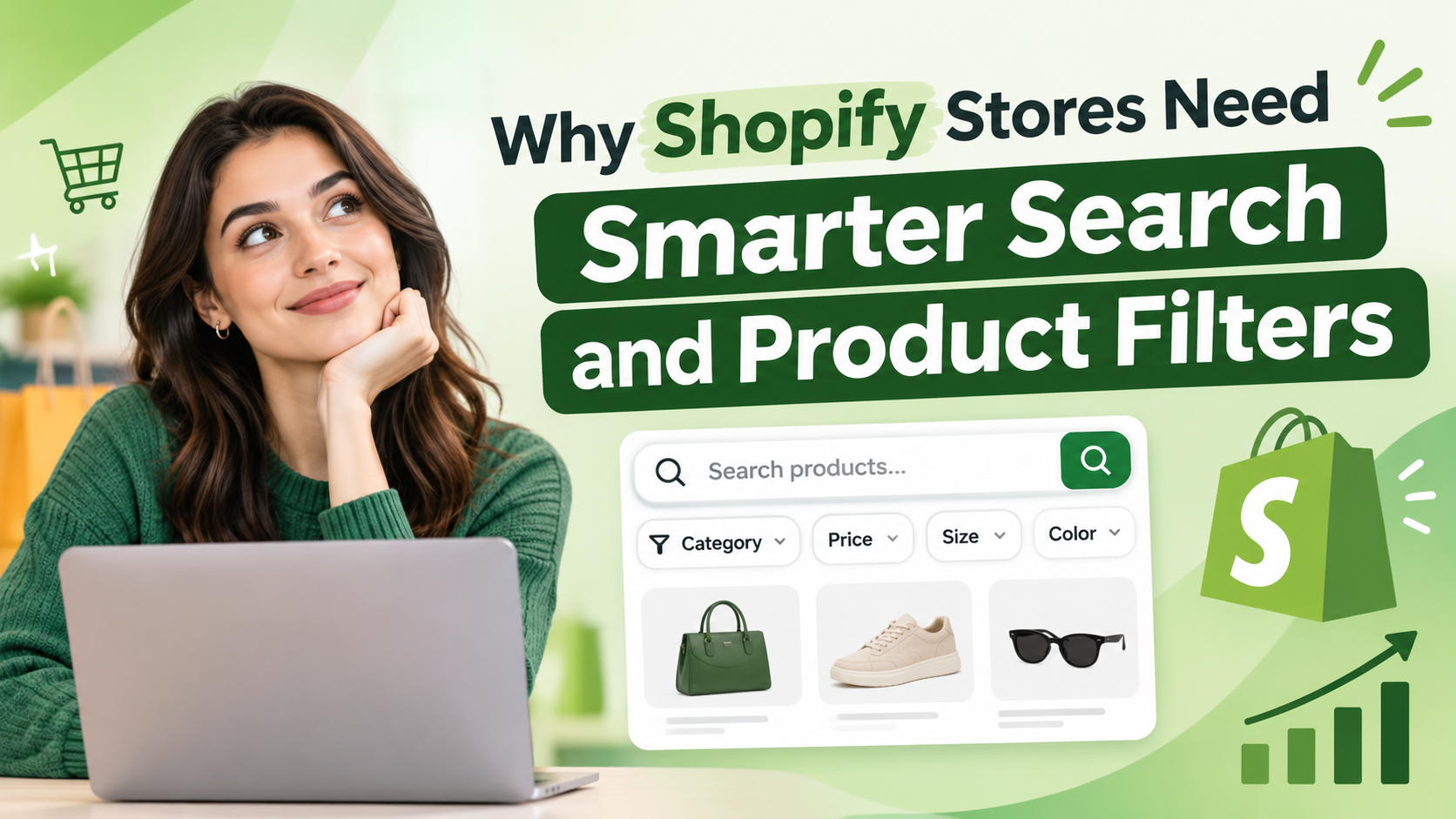
A Shopify store can have great products, competitive prices, and an attractive design, but customers may still struggle to find what they need. This often happens when a store’s product catalog grows and its navigation no longer meets shoppers’ expectations.
Consider an online clothing store with hundreds of products. A customer visits looking for a blue denim jacket in a specific size. If the store offers limited search functionality and no useful filters, the customer may have to browse multiple collections and open several product pages to find the right item. This is where smarter search and product filters become valuable.
They help customers navigate product catalogs, narrow down their choices, and discover relevant items more efficiently. For Shopify merchants, improving product discovery is an important step toward creating a more convenient shopping experience.
In this blog, we will explore the common product discovery challenges Shopify stores face, the features that can address them, and practical ways to improve the shopping journey.
1. What Is Product Discovery in a Shopify Store?
Product discovery is the process customers follow to find products that match their needs. It includes searching for specific items, browsing collections, exploring categories, and applying filters to narrow down available options. In a Shopify store, product discovery usually involves three main activities:
- Search: Customers enter a product name, keyword, brand, or other relevant term.
- Navigation: Customers explore collections and categories to understand what the store offers.
- Filtering: Customers narrow the product list based on attributes such as price, size, color, or availability.
For example, a customer shopping for home furniture might begin by browsing the sofa collection, filter the results by price and material, and then compare the remaining products. When these activities work together, customers can move through the catalog more naturally. Instead of treating every product as an individual discovery task, the store provides a structured way to explore the available options.
2. How Poor Search Experiences Affect Online Shopping
Customers do not always browse a store from its homepage or collection pages. Some arrive with a specific product in mind and use the search bar immediately. Problems arise when search results do not match the customer’s query, product names are difficult to recognize, or relevant items are buried among unrelated results.
For example, a shopper searching for a wireless keyboard may receive results that include unrelated computer accessories. If the store cannot return useful results, the shopper may need to try several different queries or abandon the search. Common search problems include:
- Irrelevant or poorly ordered results
- Missing products despite relevant items being available
- Limited search suggestions while typing
- Differences between the words customers use and the terms in product listings
- Search results that are difficult to navigate
Merchants can investigate these issues by testing common customer queries, reviewing product information, and examining searches that return no results. The goal is not simply to make the search bar available. It is to make search results useful for the customer’s actual intent.
3. Essential Search Features for Shopify Stores
A useful search experience should help customers move from a query to relevant products with minimal confusion. The features required will depend on the store’s catalog and the way its customers shop. Several capabilities are worth considering.
Autocomplete and search suggestions
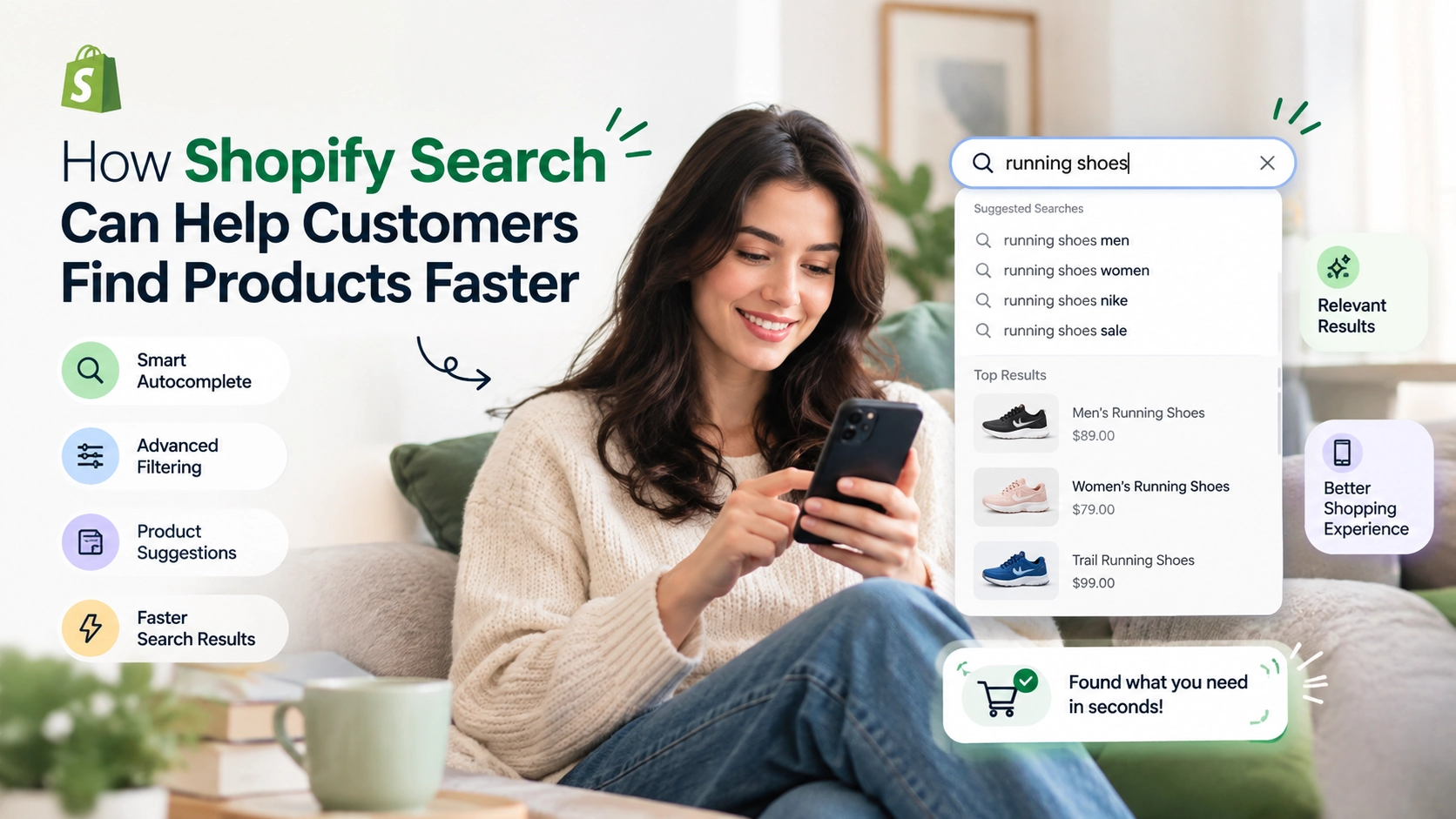
Suggestions appear as customers type and can help them complete queries or discover relevant products without entering an entire phrase.
Relevant search results
Search results should prioritize products that match the query rather than displaying loosely related items without a clear reason.
Support for different search terms
Customers may use synonyms, abbreviations, or alternative product names. Where supported, synonym handling can help connect these queries with relevant products.
Search result handling
Stores should provide a useful experience when a search returns no matches, such as suggesting alternative terms or directing customers to relevant categories.
Popular search suggestions
Frequently searched terms can help customers discover commonly explored products or categories, provided the suggestions are relevant to the store.
For example, a beauty store could use search suggestions to help shoppers find sunscreen, moisturizers, or products for particular skin concerns. Merchants should select search features based on their customers’ needs rather than adding functionality that does not improve the shopping journey. The right search functionality makes it easier for shoppers to locate relevant products. Explore how Shopify search helps customers find products faster.
4. How Product Filters Simplify Buying Decisions
Search is useful when customers know what they want to find. Filters are particularly useful when customers need to narrow a broad selection to a smaller set of suitable products. Imagine a store selling running shoes from several brands. A customer may want a pair within a particular budget, in a specific size, and from a preferred brand. Opening every product page to check these details makes comparison unnecessarily difficult. Filters let shoppers refine the product list using relevant attributes. Depending on the product category, useful filters may include:
- Price range
- Brand or vendor
- Size and color
- Product type
- Material or other product attributes
- Availability
The best filter options vary by industry. An electronics store may need filters for device compatibility and technical specifications, while a clothing store may prioritize size, color, and fit-related attributes. Filters should also use clear labels and consistent product data. If attributes are missing or entered inconsistently, customers may not see all the products that meet their requirements. Rather than offering every possible filter, merchants should prioritize the attributes customers use most often to compare products.
5. The Role of Search and Filters in Conversion Optimization
Getting visitors to a Shopify store does not automatically mean they will find a product worth purchasing. The store must help them move from initial interest to relevant product options. Search and filters can support this process by reducing unnecessary browsing and making product selection more manageable.
For example, a customer searching for a laptop may narrow the results by price, memory, brand, and screen size. A shorter list of relevant products makes it easier to compare the available options and visit the most suitable product pages. Merchants can evaluate whether these improvements are helping by monitoring:
- Product clicks following a search
- Add-to-cart activity from search or filtered results
- Purchases associated with product discovery
- Search abandonment and zero-result searches
- Conversion rates for relevant visitor segments
These measurements can help identify where shoppers encounter difficulties. However, search and filters are only part of the buying experience. Product quality, pricing, images, delivery costs, product descriptions, and checkout usability also influence purchasing decisions. Merchants should use actual store data to determine whether changes to product discovery are contributing to better results rather than assuming that additional features will automatically increase sales.
6. Why Mobile-Friendly Product Discovery Matters
Customers often browse Shopify stores on mobile devices, where smaller screens can make product discovery more challenging. A filter panel that is convenient on a desktop may take up too much space on a phone. Small buttons, unclear labels, and difficult-to-use menus can interrupt browsing. To make search and filters easier to use on mobile, merchants should focus on a few practical details.
Keep search accessible. Place the search function where customers can find it without unnecessary navigation.
Make filter controls easy to tap. Buttons, checkboxes, and selection options should be comfortable to use on touchscreens.
Show selected filters clearly. Customers should be able to understand which options are active and remove them when necessary.
Preserve the browsing context. Applying or removing filters should not make it unnecessarily difficult to return to product results.
Test real shopping journeys. Check how the experience works on different screen sizes, including when several filters are applied together. Mobile usability is not simply a matter of making the desktop interface smaller. The entire interaction should be convenient for shoppers using touch controls and limited screen space.
7. How Search Analytics Reveal Customer Intent
Search analytics can help Shopify merchants understand what visitors want to find, including products or categories that may not receive enough attention through existing navigation. Instead of relying entirely on assumptions, merchants can use search data to identify patterns in customer behavior.
For example, frequent searches for a product that returns no results may indicate that the item is missing, its product information needs improvement, or customers are using terminology that the store does not recognize. Useful questions to investigate include:
- Which search terms are used most frequently?
- Which queries return no relevant products?
- Which products receive clicks after a search?
- Are customers repeatedly searching for unavailable items?
- Which search terms are associated with purchases?
These findings can inform practical improvements. Merchants might update product titles, add relevant product attributes, improve collection organization, or introduce alternative search terms. Search data can also reveal demand for products that are not currently stocked. However, merchants should validate these signals against sales data, inventory constraints, and other customer feedback before making purchasing decisions. With regular analysis, search analytics becomes a tool for understanding customer intent rather than merely counting searches.
8. When Should a Shopify Store Consider a Search and Filter App?
Shopify provides native search and discovery capabilities that can meet the needs of many stores. A small catalog with straightforward categories may not require additional software. As a store grows, however, its requirements may become more specialized. Merchants might need additional search suggestions, more flexible filtering, dedicated search insights, or functionality that is not available through their existing setup. A dedicated app may be worth evaluating when:
- The product catalog contains many categories, variants, or attributes.
- Customers need more specific ways to narrow product listings.
- The store wants additional search suggestions or discovery features.
- Merchants need more detailed insights into search behavior.
- The existing search and filtering experience does not meet business requirements.
Before choosing an app, review its features, pricing, theme compatibility, storefront performance, and support options. Test the experience with actual products and common customer queries wherever possible. For Shopify merchants looking to improve product discovery, Shopify search and filter solutions can help create a more convenient browsing experience with product search, storefront filters, and search insights.
9. Best Practices for Optimizing Shopify Product Discovery
Implementing search and filters is only the beginning. Merchants should regularly review how customers use these features and make improvements based on observed problems. The following practices provide a practical starting point.
Audit product information
Check that product titles, categories, variants, and attributes are accurate and consistent. Reliable information supports more useful search results and filters.
Test common customer queries
Search for popular products using different terms, including alternative names and common spelling variations. Record queries that return irrelevant or incomplete results.
Prioritize meaningful filters
Choose filters that reflect how customers make decisions in your product category. Remove options that add clutter without helping shoppers narrow their choices.
Review zero-result searches
Investigate frequently used queries that produce no results. Determine whether the cause is missing inventory, inconsistent terminology, incomplete product information, or a search configuration issue.
Measure changes over time
Record baseline performance before making substantial changes. After implementation, compare relevant metrics such as search engagement, product clicks, add-to-cart activity, and purchases.
Check performance and compatibility
Test search and filtering functionality with your theme, mobile layouts, and other installed apps. Monitor loading behavior and confirm that product results remain accurate when customers apply multiple filters. These practices help merchants maintain a product discovery experience that evolves with their catalog and customers’ needs.
Conclusion
Product discovery influences how customers explore a Shopify store and find items that match their needs. When search results are relevant, filters reflect meaningful product attributes, and mobile navigation is easy to use, customers can browse the catalog with greater convenience.
For merchants, the process starts with understanding where shoppers encounter difficulties. Review search queries, improve product data, select appropriate filters, and measure how visitors interact with the updated experience. If your Shopify store needs additional product discovery functionality, explore eWeb Search & Filter to see whether it fits your requirements.
Frequently Asked Questions (FAQs)
1. Why is product search important for Shopify stores?
Product search helps customers locate items based on their interests and purchasing intentions. Relevant results and useful suggestions can reduce unnecessary browsing and make it easier to reach suitable product pages.
2. What are the most useful product filters for Shopify?
Common filters include price, brand, product category, size, color, and availability. The most useful options depend on the store’s products and the attributes customers consider when making purchasing decisions.
3. Does Shopify have built-in product filtering?
Yes. Shopify provides native search and discovery capabilities, including storefront filtering for supported themes and product data. The available options depend on the store’s configuration and requirements.
4. Can search and filters improve Shopify conversions?
They can make it easier for shoppers to find relevant products, which may support purchasing decisions. Actual conversion results depend on several factors and should be measured using store analytics.
5. How can Shopify merchants identify problems with search?
Merchants can test common queries, review zero-result searches, examine product clicks, and use available search analytics. These checks can reveal gaps in product information, search relevance, and catalog organization.
6. When should I install a Shopify search and filter app?
A Shopify search and filter app can be useful when customers struggle to find products in a growing catalog or need more specific options to narrow their search. If your existing setup lacks the functionality your store requires, explore product search and filtering tools for Shopify to discover features that can make product navigation simpler and more convenient.

About The Author
Akshita Dubey is an SEO Executive at eWebWorld with expertise in search intent analysis and content optimization. She focuses on creating user-centric content that simplifies complex technology topics, helping businesses and decision-makers understand web development, mobile apps, and digital solutions through clear, research-based insights.
Search
Popular Posts



Follow us

Recent Posts




About eWebWorld
eWebWorld is a Shopify and eCommerce development company in India with 10+ years of experience building and scaling online stores. We specialize in Shopify development, including store setup, customizations, theme development, migrations, integrations, and performance optimization. Through our expertise in eCommerce, technology, and digital marketing, we help businesses create better online experiences and achieve sustainable growth.