
Shopify BFCM Checklist 2026: 15 Steps to Prepare Your Store
Black Friday and Cyber Monday (BFCM) are two of the biggest sales opportunities for Shopify merchants. In 2026, Black Friday falls on November 27, followed by Cyber Monday on November 30. For online retailers, these dates bring an opportunity to attract new customers, increase orders, and generate more revenue.
However, getting your Shopify store ready for BFCM involves more than publishing discount codes and adding promotional banners. Your website needs to handle increased traffic, product pages must work smoothly, inventory should be accurate, and checkout must offer a reliable buying experience.
Even a small technical issue, such as a broken discount code, slow-loading product page, or payment failure, can affect sales during a busy shopping period.
To help you prepare, here is a practical Shopify BFCM checklist covering 15 important steps to complete before the sale begins.
Why Should You Prepare Your Shopify Store for BFCM 2026?
BFCM shoppers often compare multiple stores before making a purchase. They expect fast-loading websites, accurate product information, convenient payment options, and a smooth checkout experience.If your store is not properly prepared, you may face problems such as:
– Slow website performance during high-traffic periods.
– Products going out of stock unexpectedly.
– Broken discount codes or incorrect pricing.
– Checkout errors and abandoned carts.
– Poor mobile shopping experiences.
– Delayed order processing and shipping.
Preparing your Shopify store in advance helps you identify potential problems and create a more reliable shopping experience.
Shopify BFCM Checklist 2026: 15 Steps to Prepare Your Store
Use the following checklist to review your store before Black Friday and Cyber Monday.
1. Review Your Previous Sales and Customer Data
Before making decisions for BFCM, understand how your store performed during previous sales periods. Your Shopify analytics can help you identify customer purchasing patterns, popular products, and areas that need improvement. If you participated in previous BFCM campaigns, compare those results with your regular sales performance. If this is your first campaign, use your recent store data to identify useful trends. Focus on:
- Reviewing your best-selling products and collections.
- Identifying products with high traffic but low conversions.
- Comparing average order value across different periods.
- Checking which traffic sources generated the most orders.
- Understanding returning customer purchasing behavior.
- Identifying products that frequently receive customer interest.
Use these findings to decide where to focus your preparation efforts.
Pro tip: Don’t select products for promotion based only on popularity. Consider their profit margins, conversion rates, and available stock before making decisions.
2. Create a BFCM Promotion and Pricing Plan
Once you understand your store’s sales performance, decide which promotional offers you want to run. Planning discounts in advance gives you time to calculate prices, define offer conditions, and prepare your promotional materials. Consider different types of offers:
- Percentage discounts: Apply a percentage discount to selected products or collections.
- Fixed-amount discounts: Reduce the purchase price by a specific amount.
- Product bundles: Combine related products at a special price.
- Buy One, Get One (BOGO): Encourage customers to purchase additional items.
- Free shipping: Offer free delivery when customers meet a minimum order value.
- Tiered discounts: Provide different discounts based on cart value.
Prepare a promotion sheet containing:
- Discount details and eligible products.
- Regular prices and promotional prices.
- Offer start and end dates.
- Minimum purchase requirements.
- Discount exclusions.
- Applicable terms and conditions.
Calculate your margins before finalizing offers. A larger discount does not always mean a more profitable campaign.
3. Forecast Inventory and Confirm Stock Availability
Running out of popular products during a sales event can result in missed orders. On the other hand, ordering too much inventory can leave you with unsold stock after the campaign. Use your previous sales data, current demand, and upcoming promotions to estimate how much inventory you may need. Your inventory checklist:
- Identify products expected to generate higher demand.
- Review current stock levels for each product variant.
- Check supplier lead times and reorder requirements.
- Identify slow-moving products that may need special pricing.
- Verify inventory tracking in Shopify.
- Set up low-stock notifications.
- Confirm inventory availability across selling locations.
If you sell through multiple channels or warehouses, check that inventory quantities remain synchronized.
Pro tip: Keep an eye on high-demand product variants. A product may be available overall while popular sizes or colors are already out of stock.
4. Review Product Listings and Collection Organization
Your product catalog should be accurate and easy to navigate before the sale begins. Outdated descriptions, incorrect images, or missing product information can create unnecessary confusion. Review the products included in your BFCM campaign. Check the following:
- Product titles and descriptions are accurate.
- Product images display correctly.
- Prices and compare-at prices are correct.
- Product variants are available and properly labeled.
- Product specifications are up to date.
- Collections are organized logically.
- Unavailable products are handled appropriately.
5. Create and Update Your BFCM Landing Page
A dedicated BFCM landing page gives shoppers one place to explore your promotional offers. Instead of making customers search through multiple collections, organize your most important deals on a single page. Your landing page should include:
- A clear headline explaining your BFCM offer.
- Featured promotional products.
- Links to relevant sale collections.
- Visible promotional pricing.
- Important offer conditions.
- Shipping information.
- Clear shopping buttons.
- Links to customer support and return policies.
Make sure all links lead to the correct products or collections. If your offers change during the campaign, update the landing page accordingly. Avoid displaying expired promotions or products that are no longer available.
6. Improve Your Store's Product Search and Filtering
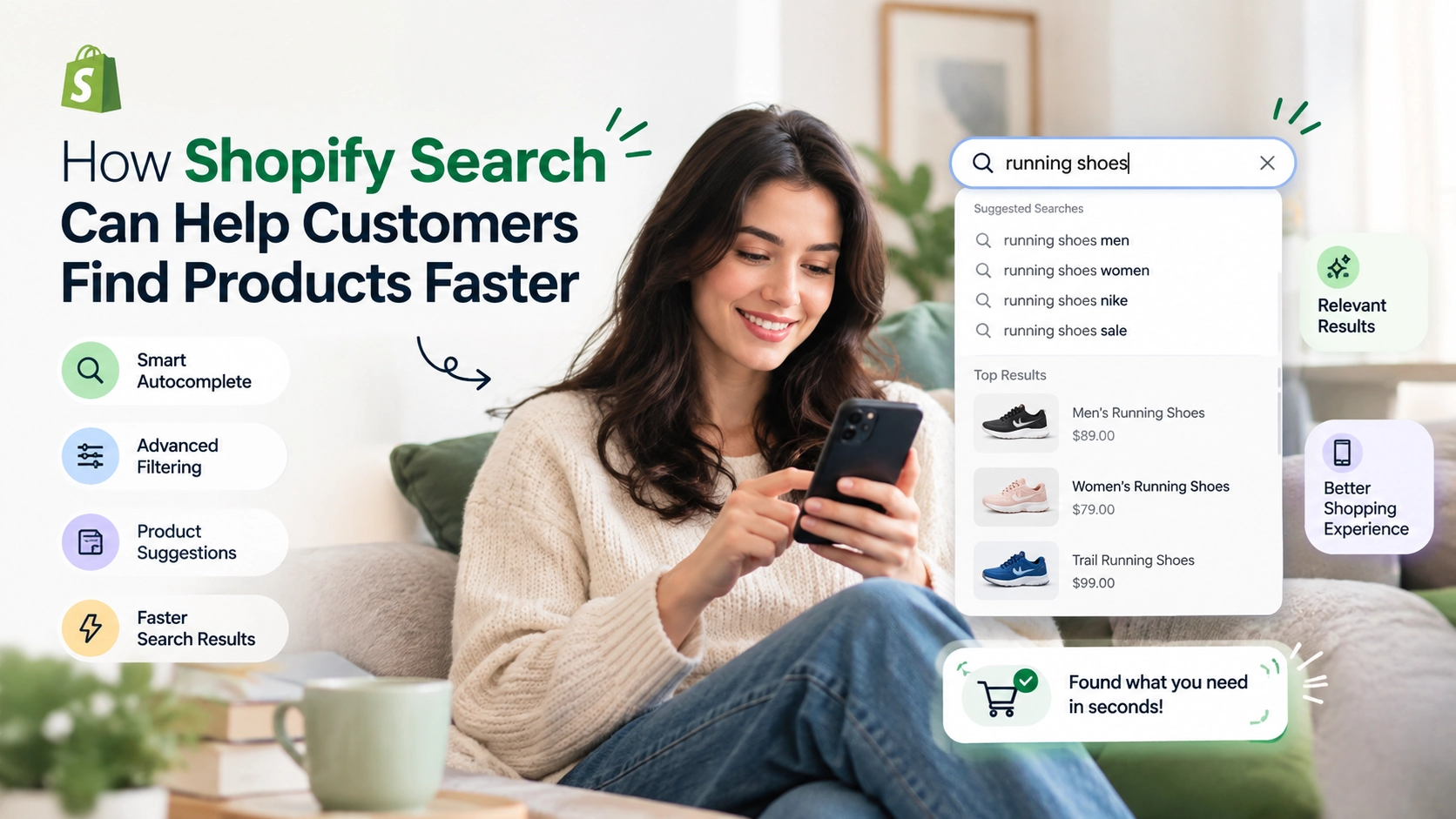
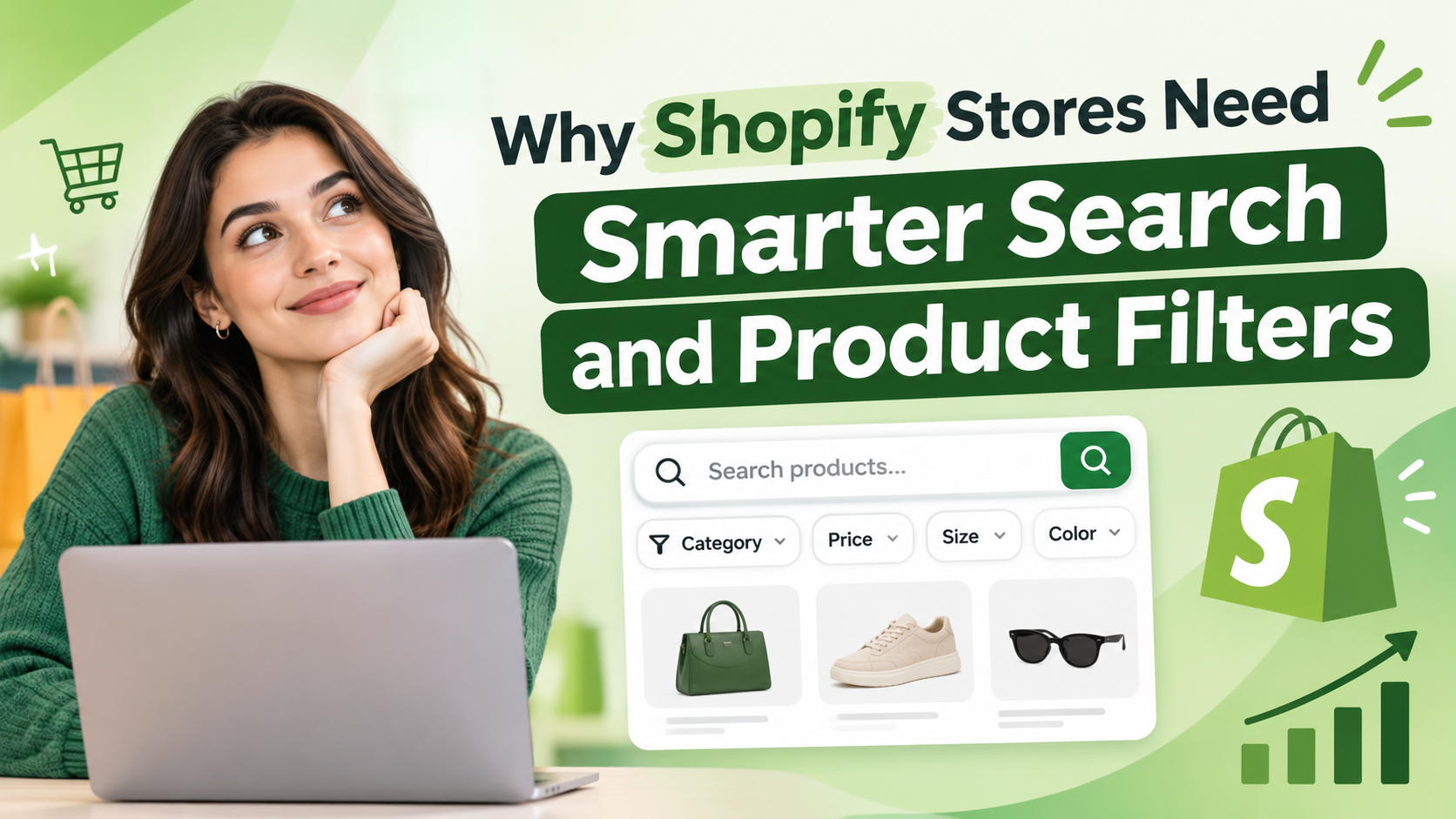
When a store has hundreds or thousands of products, shoppers need an easy way to find relevant items. A basic search experience may not be enough when customers are browsing multiple categories and comparing products during BFCM. Review your search and filtering functionality to make product discovery easier. Check whether shoppers can:
- Search using product names and relevant keywords.
- Find products through search suggestions.
- Filter by price, size, color, brand, and availability.
- Sort products by price, popularity, or newest arrivals.
- Find relevant products without browsing multiple pages.
You can use eWeb Search & Filter to improve product discovery with smarter product search, storefront filters, and search insights.
7. Optimize Your Product Pages for Purchasing Decisions
Product pages should give shoppers the information they need to make confident purchasing decisions. Review your important product pages, especially those included in your BFCM offers. Make sure each page includes:
- Clear product descriptions.
- High-quality product images.
- Product videos where useful.
- Visible promotional pricing.
- Accurate availability information.
- Size guides or product specifications where relevant.
- Shipping and return information.
- Customer reviews, where available.
- Clearly visible Add to Cart and Buy Now buttons.
Also, check that product recommendations are relevant and that shoppers can easily select their preferred variants. Avoid unnecessary content that distracts customers from important product information.
8. Add Wishlist and Customer Re-engagement Functionality
Not every visitor purchases a product during their first visit. Some shoppers browse products, compare prices, and return later when they are ready to buy. A wishlist feature allows customers to save products they are interested in without immediately adding them to their cart. Before BFCM, review your wishlist functionality and customer notification settings. Check whether:
- Guest visitors can save products.
- Logged-in customers can access their wishlists.
- Wishlist sharing works correctly.
- Saved products remain available when customers return.
- Back-in-stock notifications work.
- Price-drop alerts are configured correctly.
- Email and WhatsApp notifications are functioning.
eWeb Wishlist & Alerts helps Shopify merchants encourage repeat visits through guest wishlists, social sharing, and timely email and WhatsApp alerts.
9. Test Website Speed and Technical Performance
A slow website can make it difficult for shoppers to browse products and complete purchases. Before BFCM, review your store’s technical performance and identify anything that could affect the shopping experience. Use Google PageSpeed Insights to evaluate important pages. Your technical performance checklist:
- Compress large product and banner images.
- Remove unused apps and unnecessary scripts.
- Review third-party integrations.
- Check for broken links and redirects.
- Reduce unnecessary pop-ups and animations.
- Review Core Web Vitals.
- Check important pages for loading errors.
Pay particular attention to your homepage, sale landing page, collection pages, and popular product pages. Avoid making major theme changes immediately before the sale unless they are necessary and have been properly tested.
10. Check the Mobile Shopping Experience
Your Shopify store should be easy to use on different mobile screen sizes. Open your website on smartphones and test the complete browsing experience rather than checking only whether the homepage looks good. Review:
- Navigation menu functionality.
- Product image display.
- Product variant selection.
- Search and filter controls.
- Promotional banner visibility.
- Shopping cart accessibility.
- Button placement and readability.
- Mobile checkout usability.
Make sure important buttons are easy to tap and that pop-ups do not cover product information or checkout controls. Test your complete shopping journey on both mobile and desktop before publishing your campaign.
11. Configure and Test Payment Methods
Customers should have access to reliable payment options when purchasing from your Shopify store. Review your payment provider settings and confirm that the methods you want to offer are available and properly configured. Check:
- Credit and debit card payments.
- Shopify Payments, where available.
- Digital wallets supported by your payment provider.
- Local payment methods relevant to your target market.
- Payment gateway configuration.
- Currency settings.
- Payment confirmation notifications.
Place test orders using the available testing options to identify potential problems. Remember to check your payment provider’s requirements and supported payment methods for your store’s country.
12. Test Discount Codes, Cart, and Checkout
Incorrect discount settings or checkout errors can create unnecessary barriers between product selection and order completion. Before the sale starts, test the entire transaction process. Your checkout testing checklist:
- Apply percentage and fixed-amount discount codes.
- Test automatic discounts.
- Check minimum purchase requirements.
- Verify discount exclusions and combinations.
- Test free shipping conditions.
- Add multiple products to the cart.
- Check taxes and shipping charges.
- Test available payment options.
- Confirm order placement and confirmation emails.
Also, check whether the final order total is displayed correctly before customers complete their purchases. Run these tests using Shopify’s supported test-order methods. Avoid relying on the appearance of a discount in the admin panel alone.
13. Confirm Shipping, Returns, and Fulfillment Arrangements
Your work does not end when a customer places an order. You also need to make sure products can be packed, shipped, and delivered within the timelines communicated on your website. Before BFCM, coordinate with your fulfillment team and shipping partners. Review the following:
- Shipping rates and delivery zones.
- Available shipping methods.
- Free shipping conditions.
- Order processing timelines.
- Packaging material availability.
- Shipping partner capacity.
- Return and exchange policies.
- Procedures for delayed or damaged shipments.
If you offer local delivery or store pickup, test those processes separately. Make sure customers can easily find your shipping and return policies before placing an order.
14. Prepare Your Customer Support and Order Management Process
An increase in orders can also mean more customer questions. Your team should be prepared to handle queries about product availability, payments, shipping, returns, and order status. Create a simple support plan before the campaign begins. Prepare for:
- Product-related questions.
- Discount and pricing queries.
- Payment issues.
- Order confirmation requests.
- Shipping and delivery updates.
- Cancellation and return requests.
- Complaints and urgent customer concerns.
Update your FAQ page with answers to common questions and ensure that your contact information is correct. Assign responsibilities to team members so that incoming queries and order-related issues are handled without confusion.
15. Set Up Analytics, Monitoring, and a Contingency Plan
Once your campaign is live, you need to understand how your store is performing and respond quickly if something goes wrong. Before BFCM, configure your tracking tools and decide which metrics you will monitor. Important metrics include:
- Total sales and revenue.
- Conversion rate.
- Average order value.
- Number of orders.
- Cart abandonment rate.
- Traffic sources.
- Best-selling products.
- Payment failures.
- Refunds and returns.
Verify that your analytics and marketing tracking are working correctly. Test important campaign links and UTM parameters so that you can identify which channels are generating traffic and sales. You should also prepare a contingency plan for unexpected problems.
Final Thoughts
Getting your Shopify store ready for BFCM 2026 requires planning across multiple areas of your business. From understanding previous sales performance to checking inventory, optimizing product discovery, testing checkout, and preparing order fulfillment, every step contributes to a smoother shopping experience.
Use this 15-step Shopify BFCM checklist to organize your preparation, identify potential issues, and make sure your store is ready before November 27.
Remember, a successful sales campaign is not just about attracting more visitors. It is also about helping those visitors find the right products, complete their purchases, and receive their orders without unnecessary complications.
Need help preparing your Shopify store for BFCM?
eWebWorld provides Shopify development, store optimization, app integration, and ecommerce solutions to help businesses build and improve their online stores.
Frequently Asked Questions
1. When is Black Friday and Cyber Monday in 2026?
Black Friday 2026 falls on November 27, and Cyber Monday falls on November 30. Shopify merchants should complete their major store preparations before these dates.
2. How early should I prepare my Shopify store for BFCM?
Ideally, start preparing several weeks in advance. Inventory planning, supplier coordination, promotional pricing, and website testing all require time. Beginning early also gives you an opportunity to identify and fix problems before the campaign starts.
3. What should I include in a Shopify BFCM checklist?
Your checklist should cover sales data analysis, promotion planning, inventory forecasting, product listings, landing pages, search and filters, website performance, payment settings, checkout testing, shipping, customer support, and analytics.
4. How can I prepare my Shopify store for increased traffic?
Review your website performance, optimize images, remove unnecessary scripts, check app integrations, and test important storefront pages. Shopify manages its underlying platform infrastructure, but merchants should still review their themes, apps, and storefront functionality.
5. Do I need Shopify apps for BFCM preparation?
Shopify apps are not essential for every store, but the right apps can help improve specific parts of the shopping experience. For example, search and filter apps support product discovery, while wishlist apps help customers save products and receive relevant notifications.
6. How can I reduce checkout problems during BFCM?
Test discount codes, shipping rates, payment methods, cart functionality, and order confirmation emails before launching your sale. Also, make sure checkout information is clear and customers can understand their final order total.
7. What should I do after BFCM ends?
Complete pending orders, update inventory, handle returns, review customer feedback, and analyze sales performance. Identify your best-performing products and campaigns, then use those findings to improve future marketing and customer retention activities.

About The Author
Akshita Dubey is an SEO Executive at eWebWorld with expertise in search intent analysis and content optimization. She focuses on creating user-centric content that simplifies complex technology topics, helping businesses and decision-makers understand web development, mobile apps, and digital solutions through clear, research-based insights.
Search
Popular Posts

Follow us

Recent Posts
About eWebWorld
eWebWorld is a Shopify and eCommerce development company in India with 10+ years of experience building and scaling online stores. We specialize in Shopify development, including store setup, customizations, theme development, migrations, integrations, and performance optimization. Through our expertise in eCommerce, technology, and digital marketing, we help businesses create better online experiences and achieve sustainable growth.