Best Shopify Apps for BFCM 2026: Tools to Increase Black Friday Sales
Black Friday and Cyber Monday are two of the biggest opportunities for Shopify merchants to attract new customers, increase conversions, and generate more revenue before the holiday season. But running a successful BFCM campaign takes more than offering discounts. Your store also needs a smooth shopping experience, effective marketing, and a strategy to bring interested shoppers back when they are ready to buy.
The right Shopify apps can help you manage promotions, recover missed sales opportunities, build customer trust, and encourage repeat purchases without adding unnecessary work to your team. In this guide, we explore the best Shopify apps for BFCM 2026, organized by their primary use cases, so you can choose the tools that fit your store’s goals, budget, and existing setup.Whether you’re preparing your first Black Friday campaign or looking to improve your results this year, these apps can help you build a more effective BFCM strategy.
When Is BFCM 2026?
- Black Friday: November 27, 2026
- Small Business Saturday: November 28, 2026
- Cyber Monday: November 30, 2026
Quick Comparison: Best Shopify Apps for BFCM 2026
The best app stack depends on the challenges your store needs to solve. Here is a quick overview of tools worth considering for different parts of your BFCM campaign.
| Shopify app | Best for | How it can help |
|---|---|---|
| Shopify Search & Discovery | Product discovery | Helps shoppers find relevant products |
| Klaviyo | Email and SMS marketing | Segments customers and automates marketing campaigns |
| eWeb Wishlist & Alerts | Wishlists and customer re-engagement | Helps bring shoppers back with timely product alerts |
| Easy Subscriptions | Subscription management and recurring revenue | Helps merchants offer recurring subscriptions, subscription boxes, build-a-box bundles, flexible billing, and automated payment recovery. |
| BOGOS | Offers and promotions | Supports gifts, bundles, and promotional offers |
| Judge.me | Product reviews | Displays customer feedback and product reviews |
| PageFly | Landing pages | Creates dedicated promotional landing pages |
| Shopify Inbox | Customer conversations | Helps merchants communicate with shoppers |
| Stockbot Inventory Forecasting | Inventory planning | Helps merchants monitor stock and plan inventory |
| AfterShip | Order tracking | Helps customers track their deliveries |
| Triple Whale | Marketing analytics | Helps merchants analyze marketing and store performance |
1. Shopify Search & Discovery: Improve Product Discovery
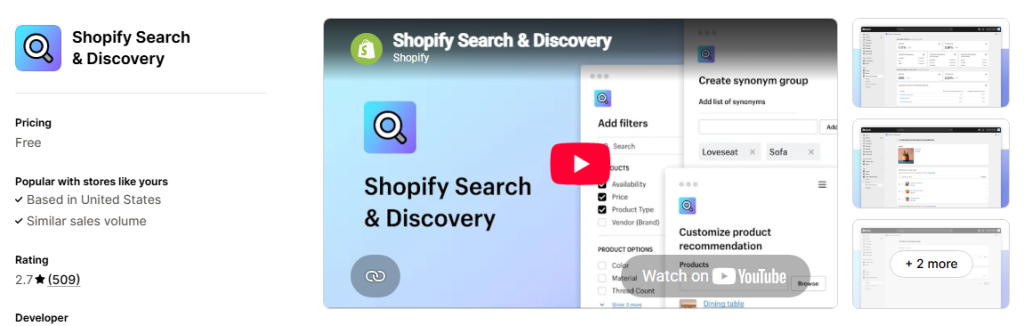
During BFCM, shoppers often compare several products before deciding what to purchase. If they cannot find the right product quickly, they may leave your store and look elsewhere. Shopify Search & Discovery is a useful starting point for merchants who want to improve product discovery using Shopify’s native tools.
Why consider it for BFCM?
- Helps shoppers find products through search and filters.
- Supports product recommendations.
- Makes it easier for shoppers to narrow down product options.
- Helps merchants organize product discovery around their catalog.
For example, a fashion store could help shoppers filter products by size, color, or category when browsing Black Friday offers.
Best for: Shopify merchants who want to improve product discovery without immediately adding another paid app.
2. Klaviyo: Build Targeted Email and SMS Campaigns
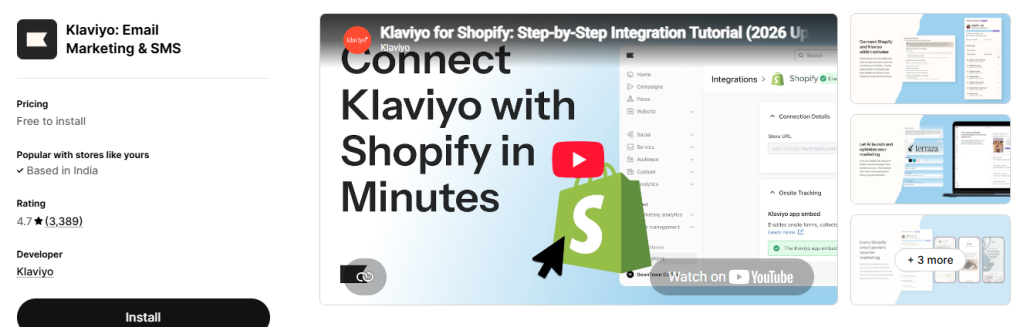
BFCM is a competitive period for customer attention. Sending the same promotional message to every subscriber may not be the most effective approach. Klaviyo helps Shopify merchants create segmented email and SMS campaigns using customer and shopping behavior.
Why consider it for BFCM?
- Segment customers based on relevant behavior and purchase history.
- Automate marketing messages.
- Create targeted promotional campaigns.
- Measure campaign performance.
For example, a merchant can prepare different campaigns for first-time visitors, previous customers, and shoppers who have shown interest in particular products.You can also plan early-access campaigns for existing customers before your main Black Friday promotion begins.
Best for: Stores that want more control over customer segmentation, marketing automation, and campaign performance.
3. eWeb Wishlist & Alerts: Bring Interested Shoppers Back
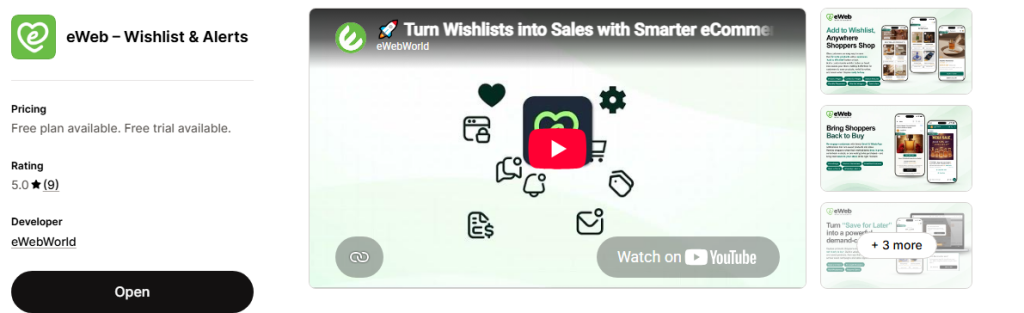
Not every shopper is ready to buy during their first visit. Some are comparing prices, waiting for a discount, or checking whether a product will become available again. A wishlist gives customers a way to keep track of the products they want. However, saving a product does not automatically mean the shopper will return to purchase it. This is where eWeb Wishlist & Alerts can support your BFCM strategy.The app helps Shopify merchants turn customer interest into opportunities for re-engagement through wishlists and timely product alerts.
How eWeb Wishlist & Alerts Can Help During BFCM
Let shoppers wishlist their favorite products
Customers can save products they are interested in and return to them later. This is particularly useful when shoppers are browsing multiple products before Black Friday.
Reconnect with shoppers when prices drop
If a wishlisted product becomes more affordable, a price-drop alert can give interested customers a reason to revisit the store.
Bring shoppers back when products are available again
Popular products can sell out during promotional periods. Back-in-stock alerts help merchants reconnect with customers when previously unavailable products become available again.
Communicate low-stock updates
When a product has genuinely limited inventory, low-stock alerts can help inform interested shoppers that availability is changing.
Reach customers through email and WhatsApp alerts
Email and WhatsApp alerts provide additional ways to reconnect with shoppers. These channels can be especially useful when customers do not regularly check their inboxes.
Why Wishlists Matter for Black Friday Sales
Imagine a customer visits your Shopify store in early November and adds a jacket to their wishlist. They like the product but decide to wait for Black Friday before purchasing. When the product’s price drops, a timely alert can remind them about the item they already wanted.
Similarly, if a popular product sells out during your campaign, a back-in-stock alert can help bring interested shoppers back when inventory is replenished. Instead of treating every first visit as a one-time opportunity, merchants can create more reasons for shoppers to return. For BFCM, this makes wishlist functionality a useful addition to a broader marketing strategy that includes promotions, email campaigns, and customer retention.
Best for: Shopify stores that want to capture product interest and reconnect with shoppers through wishlists, price-drop alerts, back-in-stock alerts, and low-stock alerts.
4. Easy Subscription: Turn BFCM Shoppers into Repeat Customers
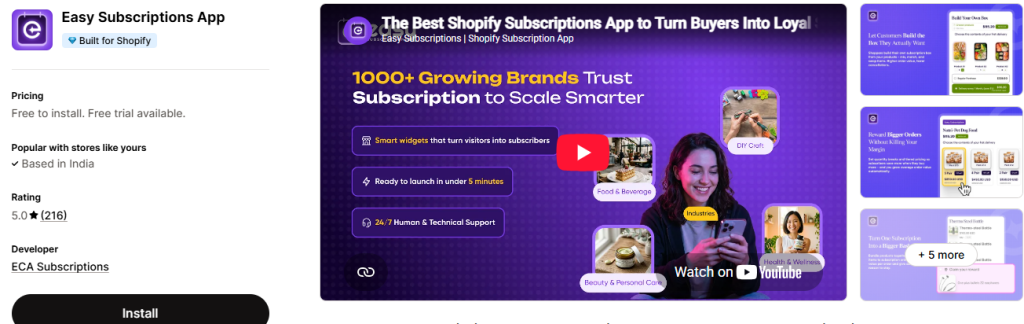
During BFCM (Black Friday Cyber Monday), Shopify merchants spend heavily on ads and discounts to win new customers. But many of those shoppers buy once and never return, which makes holiday sales hard to sustain and hurts customer retention.
Easy Subscription is a Shopify subscription app that helps merchants turn one-time Black Friday buyers into loyal subscribers. With flexible subscribe and save options and automated recurring payments, you can grow recurring revenue long after the holiday rush ends.
Why consider it for BFCM?
- Adds Subscribe & Save options directly on Shopify product pages.
- Lets you create Black Friday subscription offers and discounts that turn holiday shoppers into subscribers.
- Gives customers a subscription management portal to skip, pause, or change orders.
- Automates recurring orders and billing, reducing manual work during peak season.
- Improves customer lifetime value (CLV) and builds predictable monthly revenue going into the new year.
For example, a coffee store could offer 20% off the first order when shoppers sign up for monthly subscription boxes during Black Friday. A one-time BFCM sale then becomes a customer who buys every month.
Best for: Shopify merchants selling consumable or repeat-purchase products, such as coffee, skincare, supplements, or pet food, who want to increase Shopify recurring revenue and customer retention from BFCM traffic.
5. BOGOS: Create Promotional Offers and Product Bundles
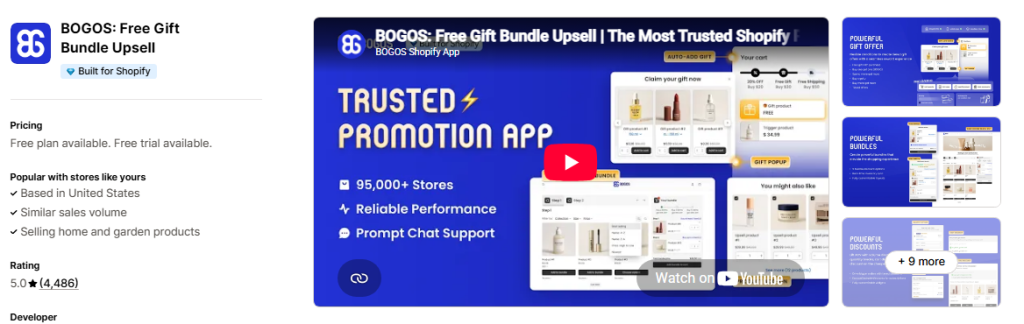
Discounts are a major part of many BFCM campaigns, but a simple percentage-off offer is not the only way to encourage customers to purchase. BOGOS helps merchants create promotional offers such as buy-one-get-one deals, free gifts, and product bundles, depending on the selected plan and supported features.
Why consider it for BFCM?
- Create different promotional offer types.
- Encourage customers to add eligible products to their carts.
- Test gift-with-purchase and bundle strategies.
- Align promotions with your inventory and profit goals.
For example, a skincare store could offer a complimentary product when shoppers spend above a specified amount. Before launching an offer, check your product margins and make sure the discount structure remains profitable.
Best for: Merchants who want to experiment with promotional mechanics beyond standard discounts.
6. Judge.me: Build Trust With Product Reviews
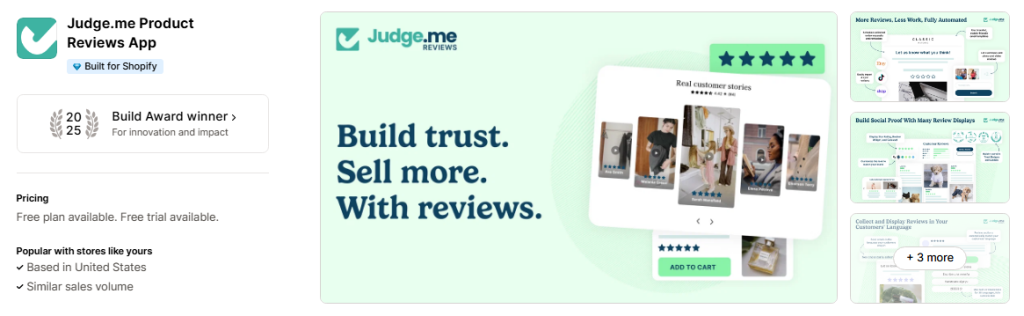
When customers are comparing deals across multiple Shopify stores, price is only one part of their decision. They may also want to know whether a product meets expectations. Judge.me helps merchants collect and display product reviews, including customer feedback that can help future shoppers evaluate their purchases.
Why consider it for BFCM?
- Display customer reviews on product pages.
- Collect feedback from buyers.
- Showcase relevant product experiences.
- Help shoppers make more informed purchasing decisions.
Before your BFCM campaign, check that reviews appear correctly on your most important product pages and that your review request process is working as expected.
Best for: Stores that want to strengthen product-page credibility and make customer feedback easier to find.
7. PageFly: Create Dedicated BFCM Landing Pages
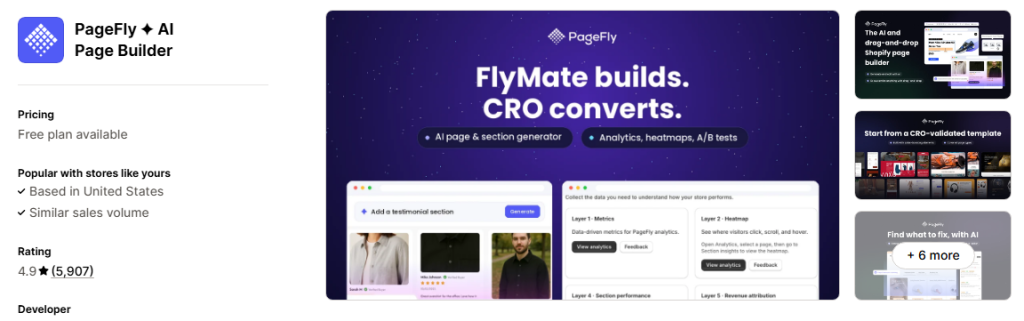
A well-organized landing page gives shoppers a clear place to explore your seasonal offers without having to navigate through your entire store. PageFly is a Shopify page builder that merchants can use to create custom landing pages and promotional layouts.
Why consider it for BFCM?
- Build dedicated Black Friday and Cyber Monday pages.
- Organize offers into clear sections.
- Highlight featured products and collections.
- Create layouts tailored to campaign goals.
For example, a merchant could build a page featuring bestselling products, limited-time bundles, category-specific discounts, and links to seasonal collections. Make sure the page works well on mobile devices and loads efficiently. A complicated design can undermine an otherwise strong promotion.
Best for: Merchants who want more control over their promotional landing-page design.
8. Shopify Inbox: Help Shoppers Get Answers
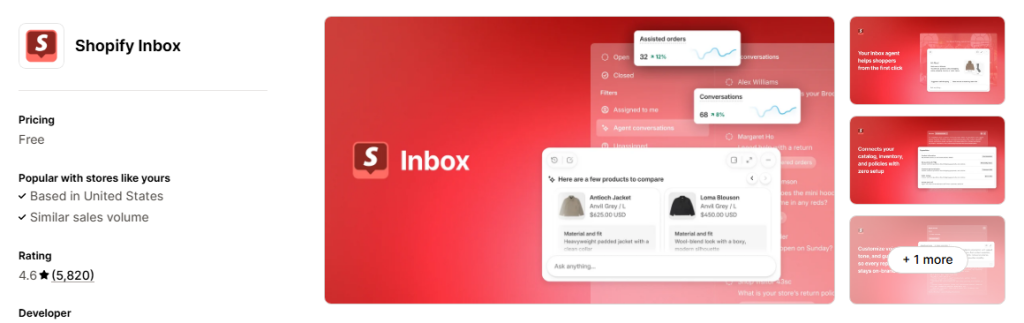
During BFCM, shoppers may have questions about product availability, shipping deadlines, sizes, returns, or discount eligibility. If they cannot find the answers they need, they may delay their purchase or leave the store. Shopify Inbox helps merchants manage customer conversations and communicate with shoppers.
Why consider it for BFCM?
- Respond to customer questions.
- Help shoppers understand product details.
- Address common purchase concerns.
- Support conversations during busy sales periods.
Prepare answers to frequently asked questions before the campaign starts, particularly around delivery estimates, return policies, and promotional terms.
Best for: Merchants who want to make it easier for shoppers to get purchase-related answers.
9. Stockbot Inventory Forecasting: Prepare for Demand
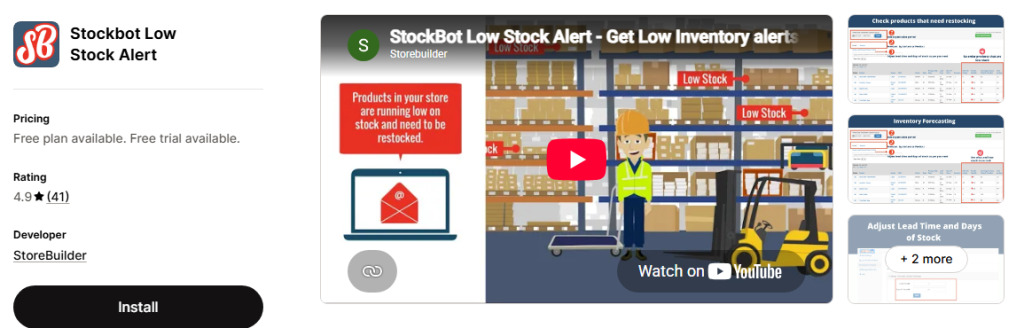
A successful promotion can create inventory challenges. If demand exceeds your expectations, popular products may sell out earlier than planned. If you order too much stock, you may be left with excess inventory after the season ends. Stockbot Inventory Forecasting is an option for merchants who need help monitoring inventory and planning replenishment.
Why consider it for BFCM?
- Monitor inventory levels.
- Plan replenishment around expected demand.
- Identify products that may need attention.
- Make inventory decisions using sales and stock information.
Before launching your campaign, review historical sales, current inventory, supplier lead times, and the products you expect to promote most heavily. Remember that inventory forecasting supports planning; it does not guarantee that every product will remain available throughout the sale.
Best for: Merchants with large catalogs or products that may experience substantial seasonal demand.
10. AfterShip: Keep Customers Informed About Deliveries
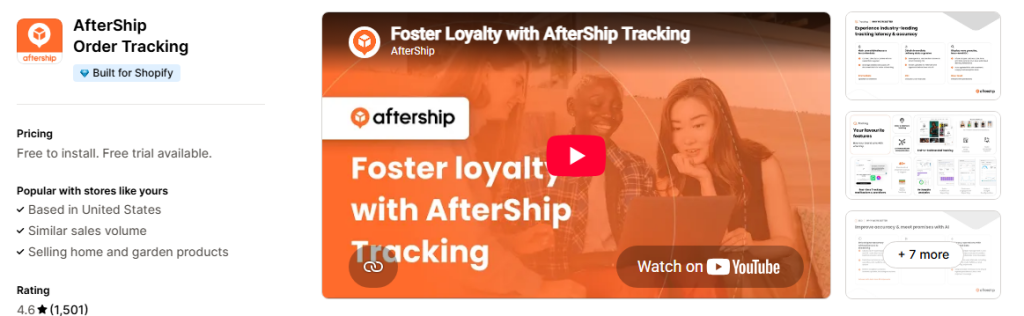
The customer experience does not end when an order is placed. During BFCM, higher order volumes can make delivery communication even more important. AfterShip offers shipment tracking tools that help merchants and customers follow delivery progress.
Why consider it for BFCM?
- Provide shipment tracking information.
- Help customers check delivery progress.
- Improve visibility after checkout.
- Support a more organized post-purchase experience.
Review your shipping estimates and make sure your delivery communication reflects realistic timelines during the holiday rush.
Best for: Merchants who want to improve post-purchase tracking and delivery communication.
11. Triple Whale: Understand Your Marketing Performance
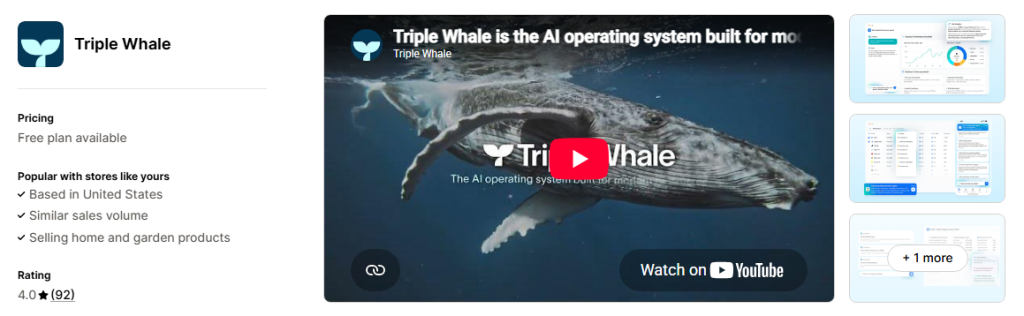
BFCM campaigns can involve several advertising platforms, email campaigns, promotional offers, and customer acquisition channels. Without reliable measurement, it can be difficult to understand which activities are contributing to results. Triple Whale provides analytics and marketing measurement tools for ecommerce businesses.
Why consider it for BFCM?
- Analyze marketing performance.
- Monitor relevant store metrics.
- Compare campaign results.
- Support data-informed budget decisions.
Before the sale begins, check your tracking setup and define the metrics you want to monitor. Depending on your setup, these may include conversion rate, average order value, customer acquisition cost, and revenue by channel.
Best for: Merchants who need a more comprehensive view of ecommerce and marketing performance.
How to Choose the Best Shopify Apps for BFCM
The best Shopify apps for Black Friday are not necessarily the ones with the longest feature lists. They are the ones that solve your store’s most important problems.Use these steps to build your BFCM app stack.
1. Identify Your Biggest Bottleneck
Start by reviewing your current store performance.
- Getting traffic but few purchases? Review product pages, navigation, and checkout.
- Customers are interested but leave without buying? Consider wishlists, relevant alerts, and customer re-engagement.
- Low average order value? Evaluate bundles, free gifts, and upselling.
- Limited repeat purchases? Review email marketing and retention strategies.
- Frequent stockouts? Improve inventory planning and replenishment processes.
Choose apps based on evidence from your store rather than installing tools simply because other merchants use them.
2. Check Pricing and Free Plans
BFCM is a short, high-intensity sales period, so your app costs should make sense for your business. Before installing an app, check:
- Whether a free plan is available.
- Which features require a paid subscription.
- Whether pricing changes with order volume or usage.
- Whether the app fits your budget beyond the BFCM period.
Calculate the value an app could provide instead of assuming that a more expensive tool will produce better results.
3. Review Compatibility and Store Performance
Every additional app can introduce settings, scripts, integrations, or other dependencies that need testing. Before committing to a new tool, check its compatibility with your theme and existing apps. Test key customer journeys on desktop and mobile, including product pages, wishlist actions, cart interactions, and checkout.Avoid adding unnecessary apps close to launch, especially if you do not have time to test their effects.
4. Install and Test Before the Sale
Do not wait until Black Friday to configure your app stack.Test promotional rules, email templates, stock notifications, tracking, and customer-facing elements in advance. If an app integrates with other marketing tools, verify that the integration behaves as expected.
A smaller, well-tested app stack is often more useful than a larger collection of tools that have not been configured properly.
5. Measure Results After BFCM
Once the campaign ends, review the results against your original goals. Depending on the apps you use, you may want to examine:
- Conversion rate and average order value.
- Revenue from promotional campaigns.
- Email and WhatsApp campaign engagement.
- Wishlist activity and purchases following alerts.
- Inventory availability and stockout patterns.
- App costs compared with the value they provide.
Use these findings to decide which tools to keep, which to improve, and which are no longer necessary.
A Simple BFCM App Stack for Different Shopify Stores
You do not need the same tools as every other merchant. Your ideal setup will depend on your catalog, budget, traffic, and marketing strategy.
| Store priority | Apps or tools to consider |
|---|---|
| Starting with a limited budget | Shopify’s native features, Shopify Inbox, and carefully selected free-plan apps |
| Improving promotional offers | BOGOS and Shopify’s built-in discount features |
| Increasing recurring revenue | Easy Subscriptions |
| Growing email marketing | Klaviyo or Shopify Email |
| Re-engaging interested shoppers | eWeb Wishlist & Alerts |
| Improving product trust | Judge.me |
| Creating custom campaign pages | PageFly |
| Managing larger inventory needs | Stockbot Inventory Forecasting |
| Improving delivery communication | AfterShip |
| Measuring marketing performance | Triple Whale |
These are starting points rather than mandatory combinations. Review your existing setup before adding another app that duplicates a feature you already have.
Get Your Shopify Store Ready for BFCM 2026
Black Friday and Cyber Monday can create valuable opportunities for Shopify merchants, but success depends on more than discounts and increased traffic. Your store needs a clear promotional strategy, an efficient shopping experience, reliable customer communication, and a plan for retaining shoppers beyond their first visit.
Start by identifying the biggest gaps in your current setup. Choose apps that address those needs, test them before launch, and measure their contribution to your campaign. Prepare early. Choose your tools carefully. Turn customer interest into purchase opportunities this BFCM.
People Also Ask
1. What are the best Shopify apps for BFCM 2026?
The best Shopify apps for BFCM depend on your goals. Klaviyo can support email and SMS marketing, BOGOS can help with promotional offers, Judge.me supports product reviews, PageFly helps create landing pages, and eWeb Wishlist & Alerts helps merchants reconnect with interested shoppers through wishlists and product alerts. Choose apps based on the specific needs of your store.
2. When should I install Shopify apps for BFCM?
Install and configure essential apps well before your campaign launches. This gives you time to test integrations, review the customer experience, and resolve technical issues before traffic increases. Ideally, complete major changes several weeks ahead of the sale.
3. How can a Shopify wishlist app help increase BFCM sales?
A wishlist allows shoppers to keep track of products they are interested in without purchasing immediately. With a tool such as eWeb Wishlist & Alerts, merchants can use timely price-drop, back-in-stock, and low-stock alerts to encourage interested shoppers to revisit the store.
Results depend on customer engagement, product availability, pricing, and the relevance of the alerts. Learn how wishlists boost BFCM sales
4. What is the difference between a back-in-stock alert and a low-stock alert?
A back-in-stock alert informs interested shoppers when a previously unavailable product becomes available again. A low-stock alert communicates that a product has limited inventory remaining. Both can help merchants keep customers informed, but they serve different purposes.
5. Do I need paid Shopify apps for Black Friday?
Not necessarily. Shopify offers native features that can support many basic selling needs, and some apps provide free plans. Paid apps may be worthwhile when their additional functionality solves a real problem or saves your team meaningful time.
6. Can I use multiple Shopify apps during BFCM?
Yes, but each app should have a clear purpose. Too many overlapping tools can increase costs and make your store more difficult to manage. Check compatibility, avoid duplicate functionality, and test the combined setup before launch.
7. How can I bring shoppers back after they leave my Shopify store?
You can use permission-based email marketing, relevant product recommendations, wishlists, and timely product alerts. For example, eWeb Wishlist & Alerts can help merchants reconnect with shoppers who have wishlisted products through price-drop, back-in-stock, and low-stock alerts.
8. How do I know whether my BFCM apps are working?
Define success metrics before the sale begins. Track relevant measures such as conversion rate, average order value, campaign engagement, purchases associated with alerts, and app costs. Compare performance with your baseline and previous campaigns where reliable data is available.

About The Author
Rishika Pawar is a Digital Marketing Specialist at eWebWorld with expertise in SEO, content strategy, and AI-first search optimization. She researches emerging technologies and collaborates with software engineers, UI/UX designers, and app developers to create comprehensive, research-backed content on mobile app development, web technologies, and digital transformation. Her work focuses on delivering accurate, user-first information that aligns with Google’s EEAT guidelines and modern AI search experiences.
Search
Popular Posts
Follow us

Recent Posts
About eWebWorld
eWebWorld is a Shopify and eCommerce development company in India with 10+ years of experience building and scaling online stores. We specialize in Shopify development, including store setup, customizations, theme development, migrations, integrations, and performance optimization. Through our expertise in eCommerce, technology, and digital marketing, we help businesses create better online experiences and achieve sustainable growth.