
eWeb - Search & Filter
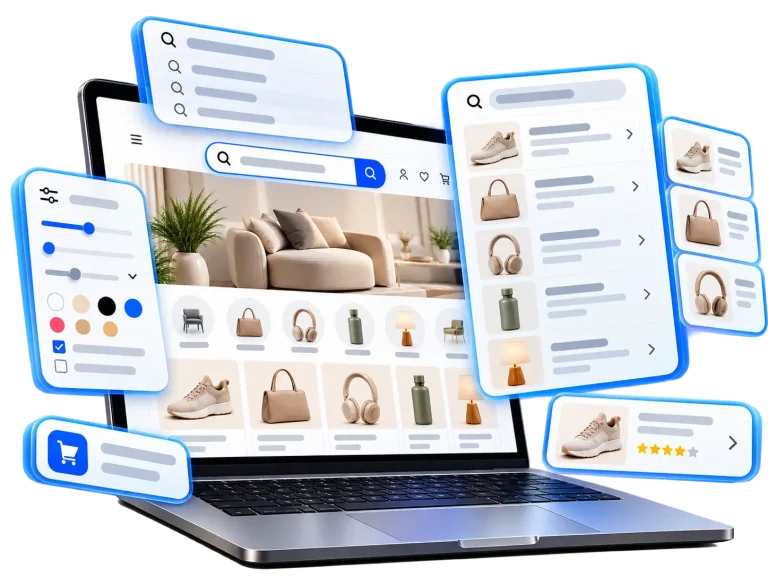
Turn Product Search Into Better Shopping Experiences
Help shoppers find the right products faster with smart search, flexible filters, and a smoother Shopify shopping experience.
 Your data stays protected. Learn more
Find the Right Products Without the Extra Steps
When a store has a growing product catalog, customers may struggle to find specific products among hundreds or thousands of options. Without useful filters and a clear search experience, browsing can become frustrating. eWeb – Search & Filter helps simplify the journey by giving shoppers practical ways to search, narrow down results, and discover products that match their interests.
Without effective discovery
Too many products, difficult browsing, and limited visibility into shopper interests.
With eWeb Search & Filter
Searchable products, relevant filters, and insights into what shoppers are looking for.
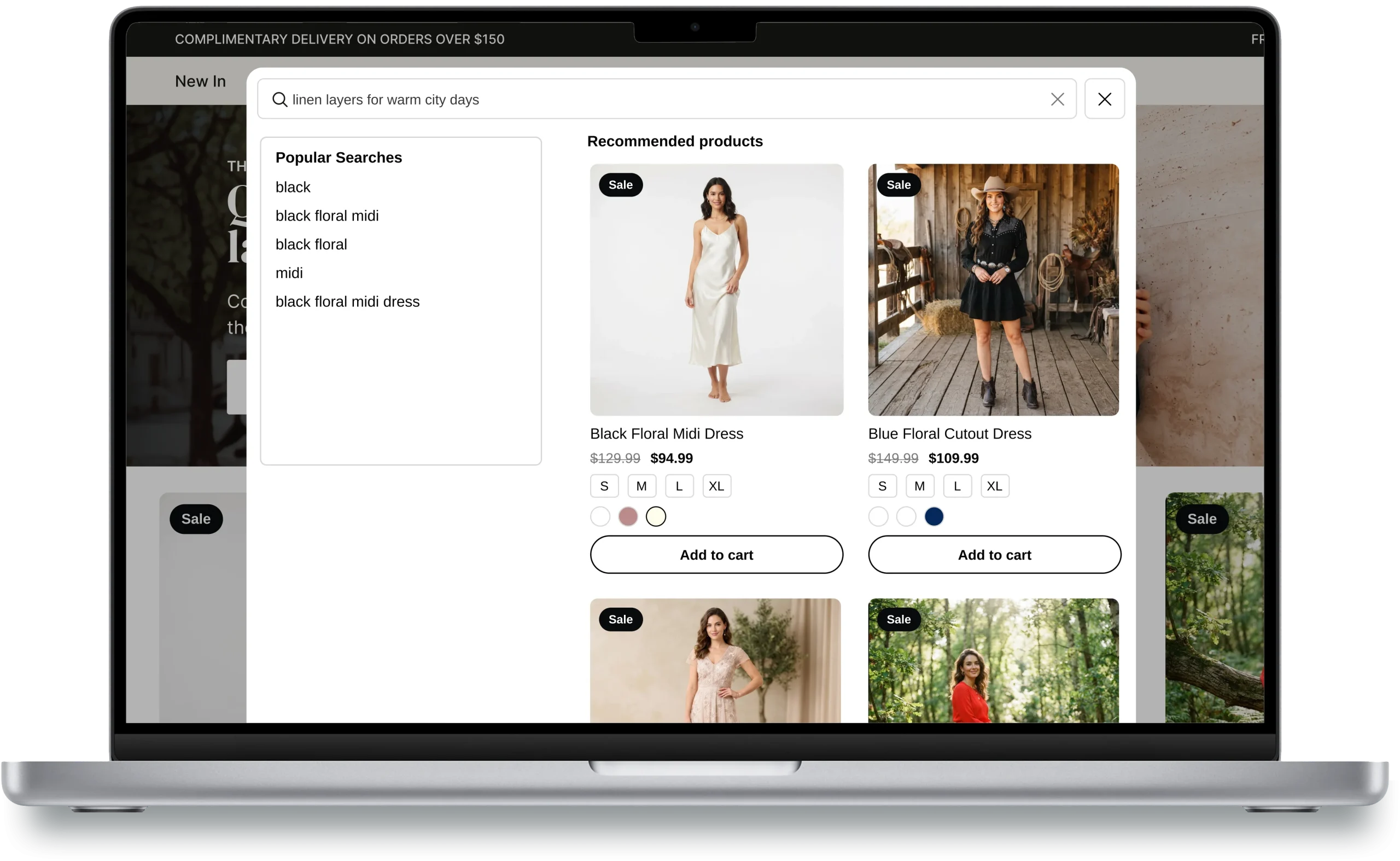
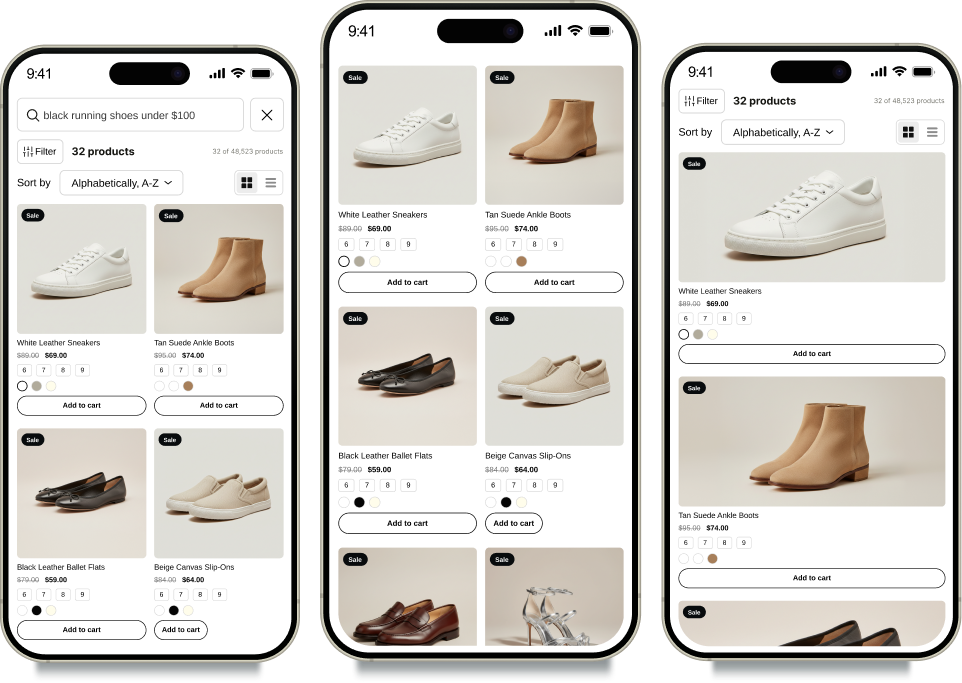
Help Customers Find Products Through Search
Give shoppers a convenient way to look for products by entering keywords instead of browsing every collection manually.
Product Search: Help customers search your product catalog.
Search Suggestions: Guide shoppers with useful search suggestions.
Popular Searches: Highlight commonly searched terms to support product discovery.
Relevant Results: Help customers explore products that match their searches.
Let Shoppers Narrow Down Products With Flexible
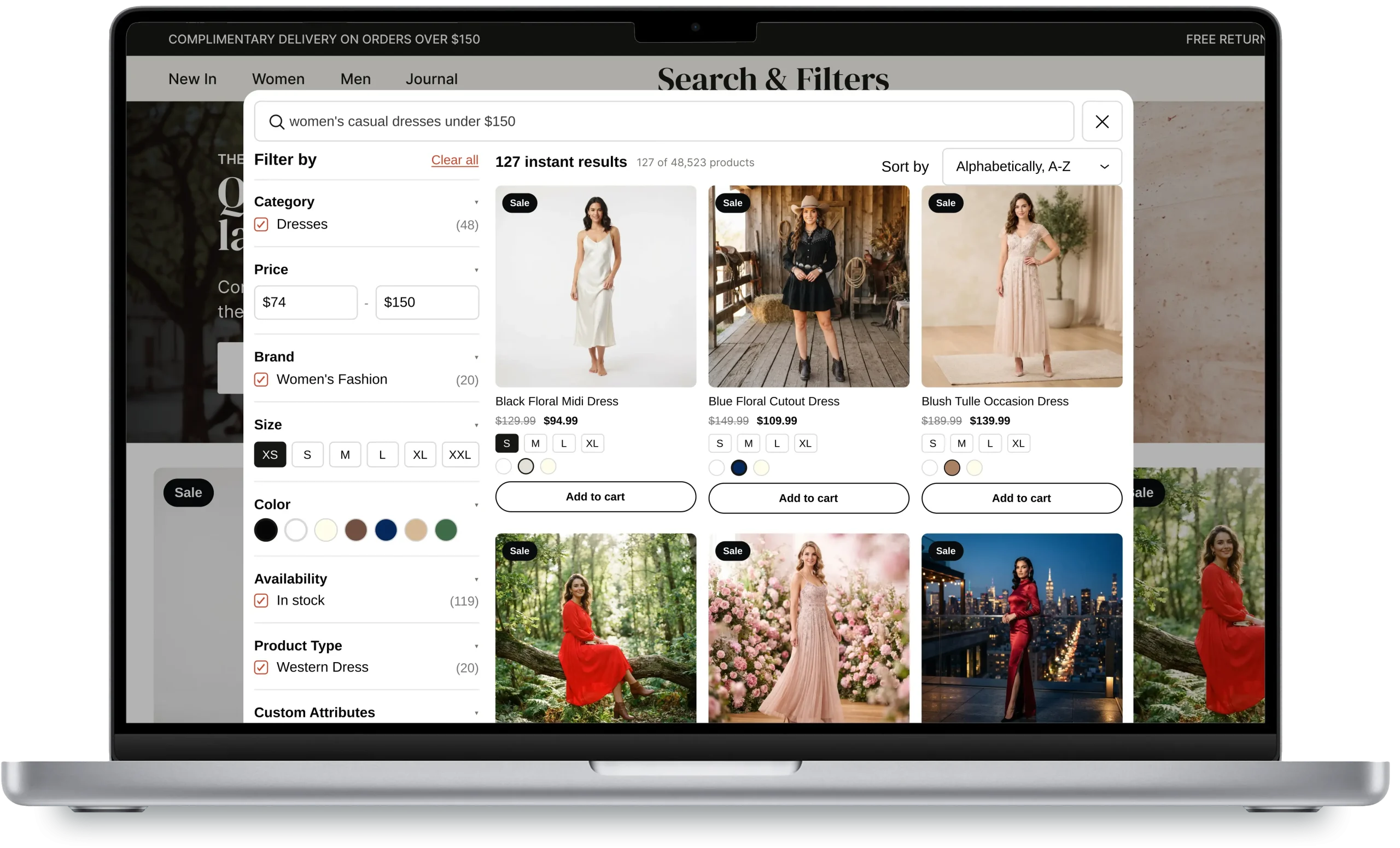
Filters Help customers refine product listings using filters that match their shopping preferences. Instead of scrolling through an entire catalog, they can narrow the available options to explore products that suit their needs.
Category and collection filters
Organize product discovery by collection, category, and subcollection so shoppers can browse relevant product groups.
Price and availability
Let customers refine their results by price range and product availability.
Size, color, and variants
Help shoppers narrow product choices using relevant variant options and product attributes.
Tags and metafields
Build more specific filtering experiences using supported product data, tags, and metafields.
Understand What Your Customers Are Looking For
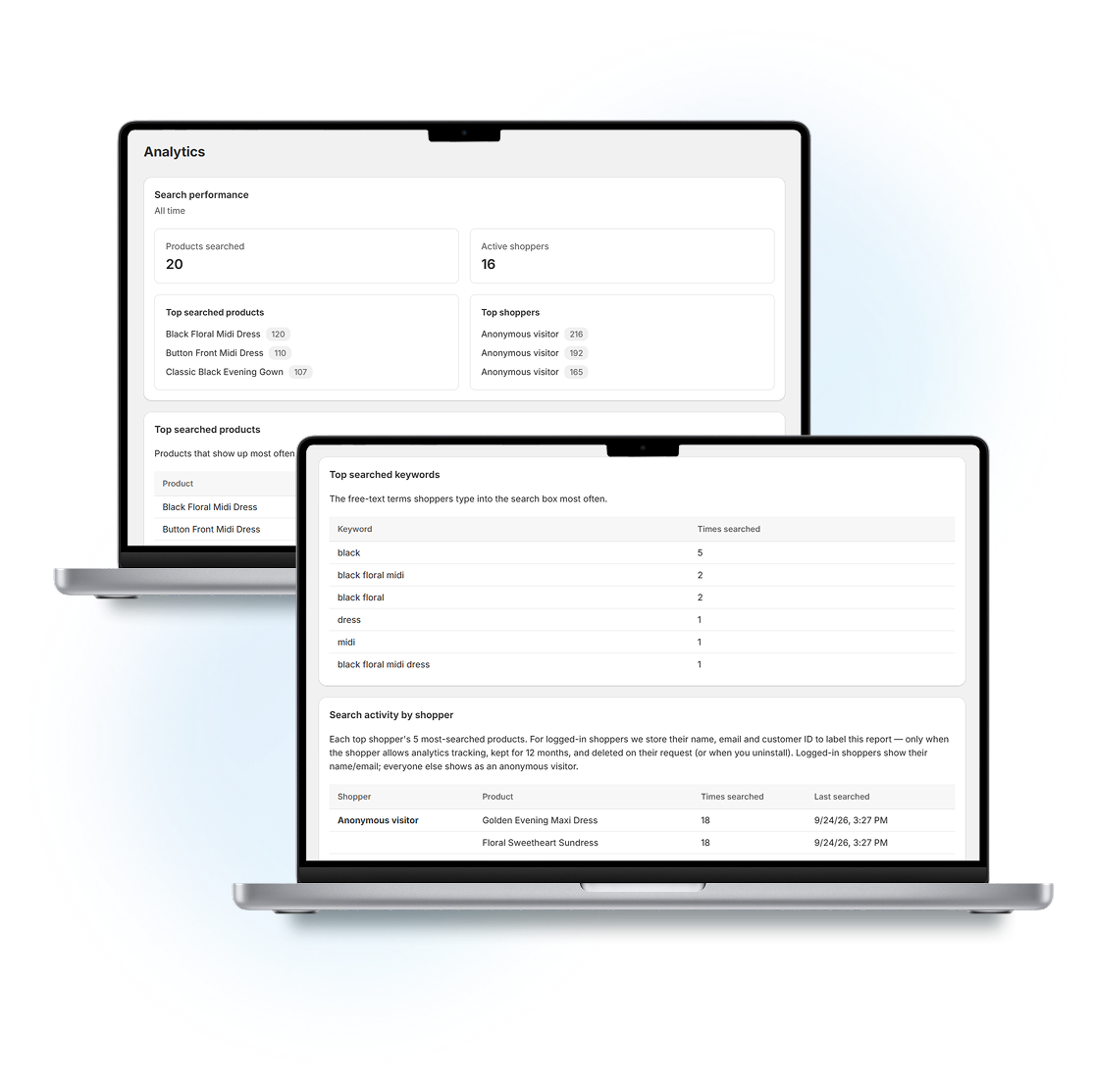
Every search can reveal something about a shopper’s interests. Use search and filter analytics to learn which products people want, which terms they use, and how they explore your catalog.
Top Search Terms
Discover the keywords shoppers use to find products.
Popular Products
Identify products receiving attention through search and discovery.
Shopper Activity
Understand how shoppers interact with search and filters.
Data for Marketing
Use available shopper insights to inform product promotions and retargeting campaigns.
Discover what your customers are actively searching for instead of relying only on assumptions. Use search terms, product interest, and available shopper information to make more informed merchandising and marketing decisions.
Turn Search Behavior Into Store Insights
See what your customers are searching for, which products they discover, and how shoppers interact with your store’s search experience.
Top Searches
Discover what customers search for most.
Top Products
Identify products shoppers repeatedly look for.
Active Shoppers
Understand search activity across your store.
Search Behavior
Use real shopper behavior to improve product discovery.
Take More Control Over Product Discovery
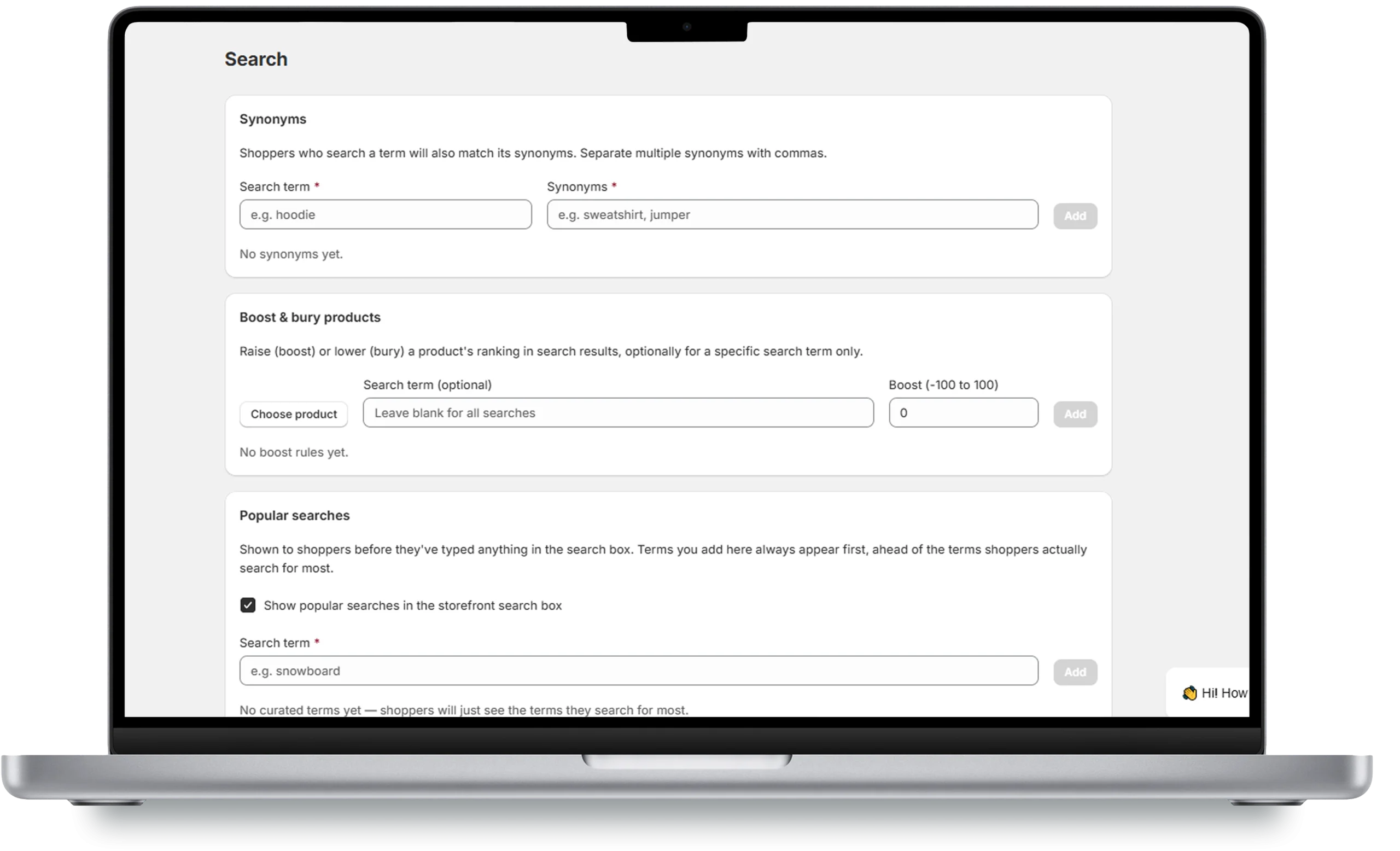
Make your search experience more useful by controlling how selected products and search terms appear to shoppers.
Search Synonyms
Connect alternative words and phrases with the products customers are trying to find.
Product Ranking
Influence the order in which selected products appear in search results.
Boost Products
Give priority to selected products that deserve greater visibility.
Promotional Banners
Highlight campaigns and promotions within supported product discovery placements
Give Individual Product Variants More Visibility
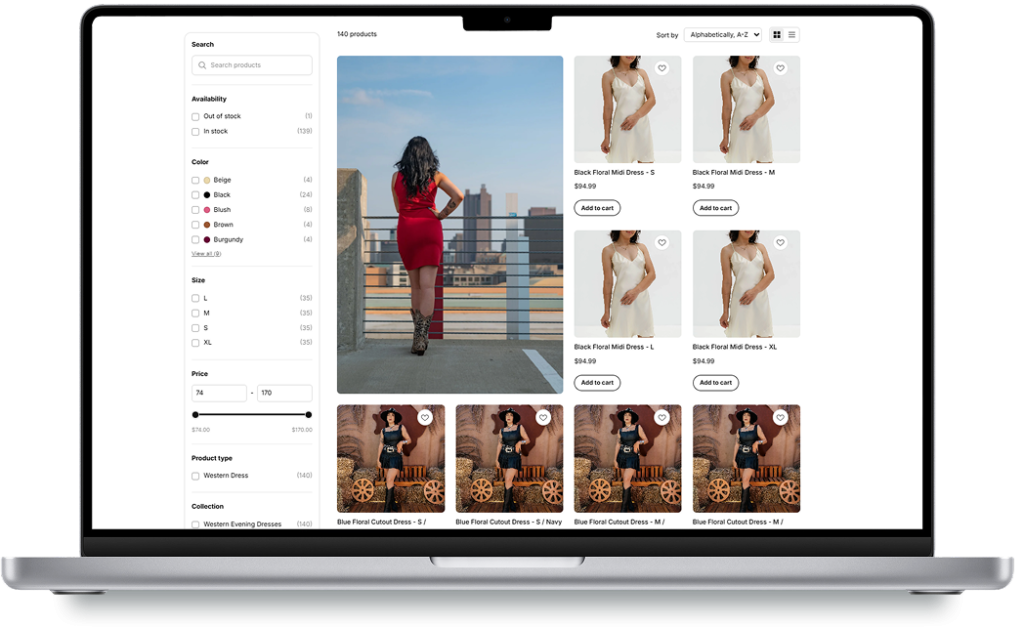
Some shoppers prefer to browse products by a specific color, style, or other variant. Displaying supported product variants separately can make these options easier to discover in product listings. For example, a clothing store can make individual color variants more visible, helping customers explore the options that interest them.
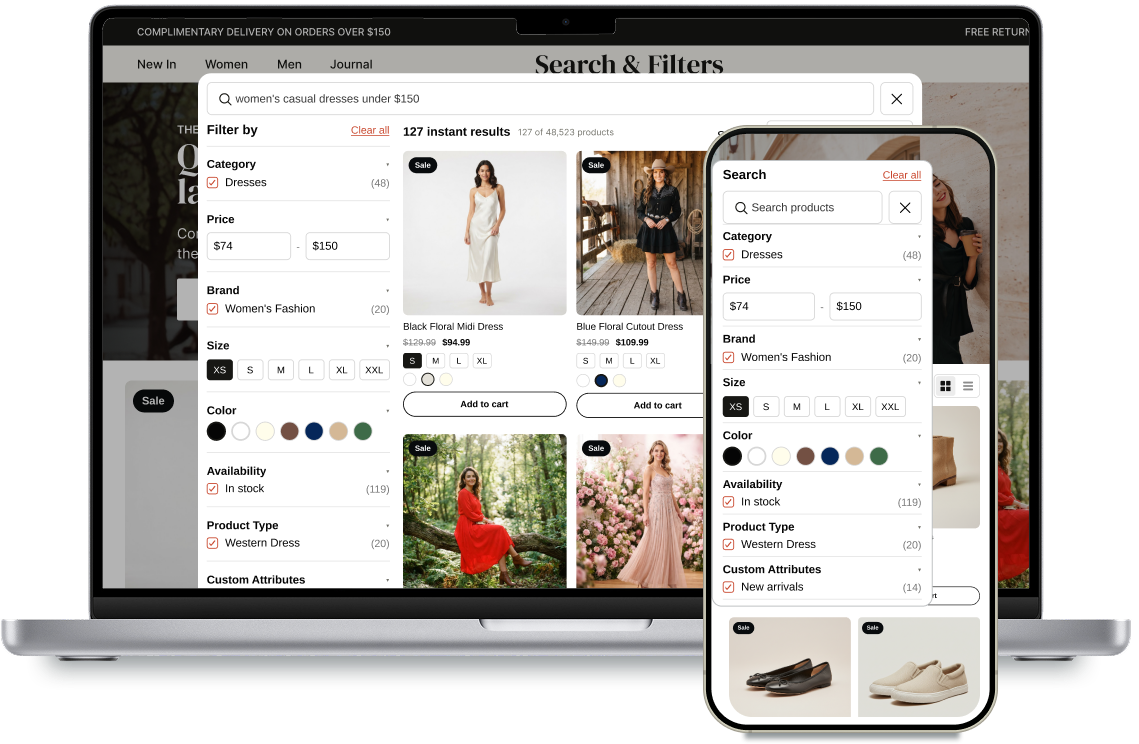
A Convenient Shopping Experience Across Devices
Responsive search and filtering interfaces.
Convenient product browsing on smaller screens.
Clear access to relevant product options.
A simpler journey from search to product selection.
How it works
From Search to Product Discovery in Three Steps
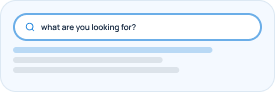
Search
Customers enter a product name or keyword.
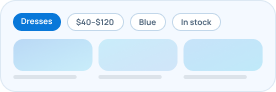
Refine
Customers narrow results using relevant options.
Discover
Customers explore matching products and available variants.

Plans for Different Store Sizes
Choose a plan based on your product catalog and the discovery tools your store needs.
Free
For getting started
Supports Up to 100 Products
4 Storefront Filter Options
Basic Search & Filter Analytics
Popular Search Suggestions
Email Support
Starter
or $90/year and save 25%
Supports Up to 500 Products
Unlimited Storefront Filters
In-Stock Product Filtering
Search & Filter Analytics
Product Recommendations & Boost Products
Adavance Analytics
Custom Promotional Banners & Synonyms
Standard Support
Growth
or $162/year and save 25%
Supports Up to 3000 Products
Unlimited Storefront Filters
Display Product Variants Separately
Search & Filter Analytics
Product Recommendations & Boost Products
Adavance Analytics
Custom Promotional Banners & Synonyms
Priority Support

Frequently Asked Questions About eWeb Search & Filter
1. What is eWeb – Search & Filter?
eWeb – Search & Filter is a Shopify app that helps shoppers search for products, narrow product listings using filters, and discover relevant items. It also provides search and filter insights to help merchants understand product discovery activity.
2. Can I add custom product filters?
The app supports flexible filtering based on supported product attributes, including tags, collections, variants, and metafields. Available options depend on the app’s configuration and plan.
3. Can customers filter products by price and availability?
The app listing describes price and availability as product discovery options. Confirm the options available for your store configuration before enabling them.
4. Does eWeb Search & Filter provide analytics?
Yes. The app provides search and filter analytics to help merchants understand popular searches, product interest, and shopper activity. Available analytics depend on your plan.
5. Can I promote selected products in search results?
The app listing includes product boosting and merchandising features. Check your current plan for the specific controls available.
6. Can I display product variants separately?
The app listing includes a feature to display supported product variants as separate product results on eligible plans.
7. Is there a free plan?
Yes. eWeb – Search & Filter offers a free plan with limited product capacity and a set of search, filter, and analytics features. See the Shopify App Store listing for current plan details.
8. How can I install eWeb – Search & Filter?
Visit the eWeb – Search & Filter listing on the Shopify App Store, install the app, and follow its setup instructions to configure product search and filtering for your store.
Help Customers Discover More of Your Catalog
Make product search more useful, simplify browsing with flexible filters, and learn what shoppers are looking for with eWeb – Search & Filter.